When you delete a profile, you permanently delete all data from the medical card — personal information, reviews, medical records, favorites, and more.
Do not rush to delete the entire account to solve the problem that has arisen in the application. You can always contact customer support for help.:
8 800 707-31-29 — free in Russia
You can delete an account if there are no upcoming entries in the profile for any of the family profile members. If there is a future entry, we will notify you about it.
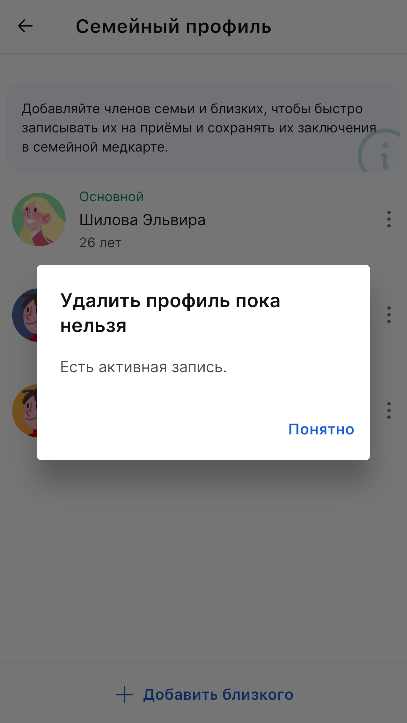
Important! When you delete your profile, your data is completely and irreversibly deleted. The support service will not be able to help you recover deleted information.
If you agree to the terms of the profile deletion:
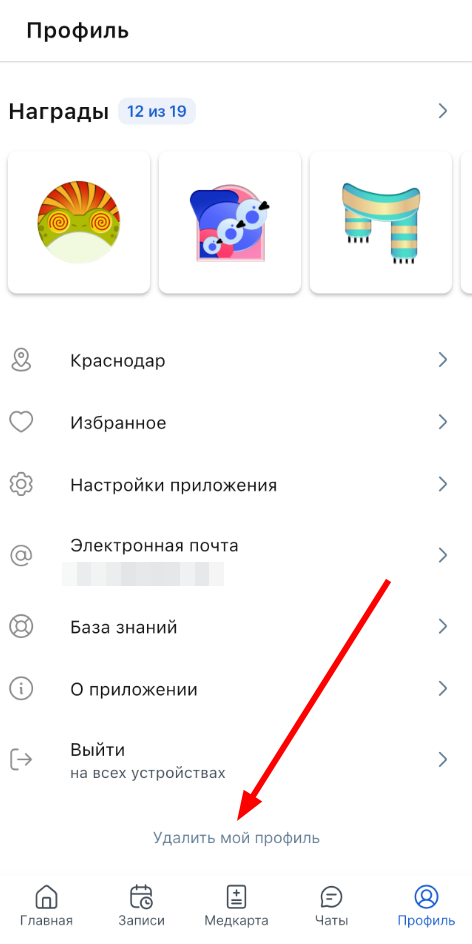
1. Go to your profile via the button «Профиль»in the menu.

2. Scroll down and click «Удалить мой профиль».
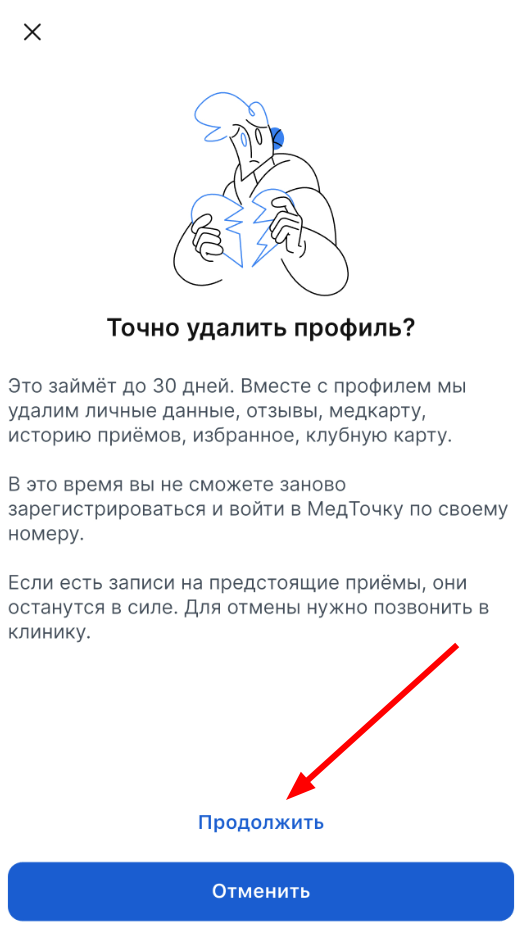
3. Click «Продолжить».
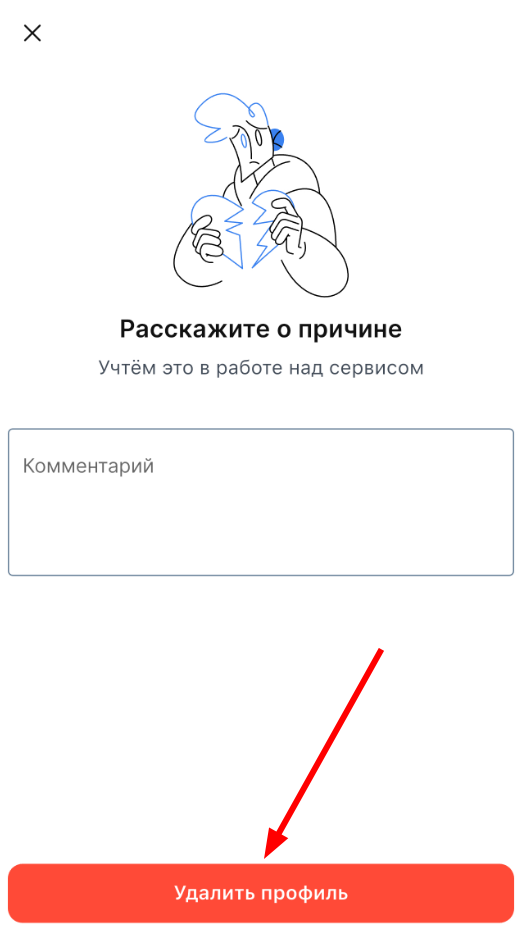
4. Share the reason for deleting the profile in the field«Комментарий». This step is optional, you can skip it.
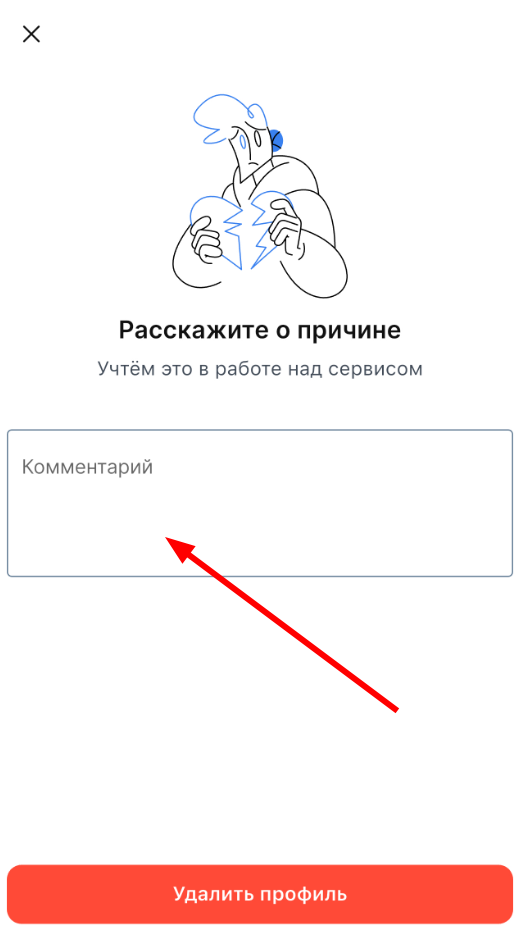
5. Confirm the account deletion and click «Удалить профиль».