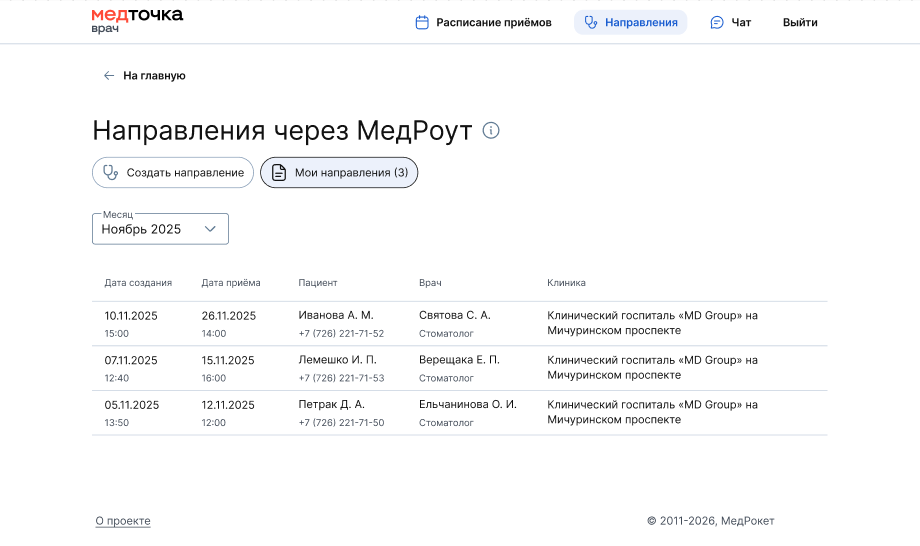
To view the list of destinations you have created:
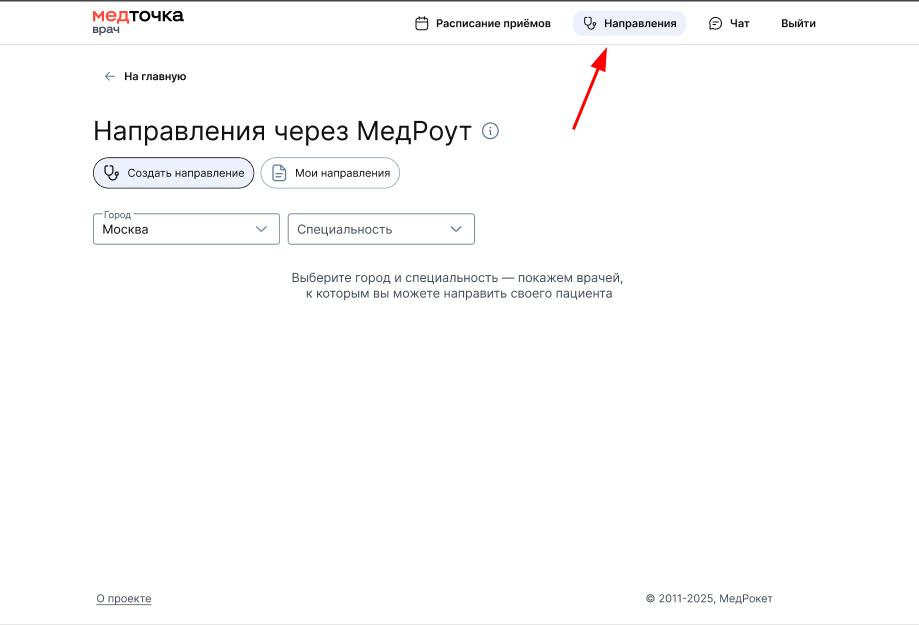
- In the Doctor's personal account, click «Направления».
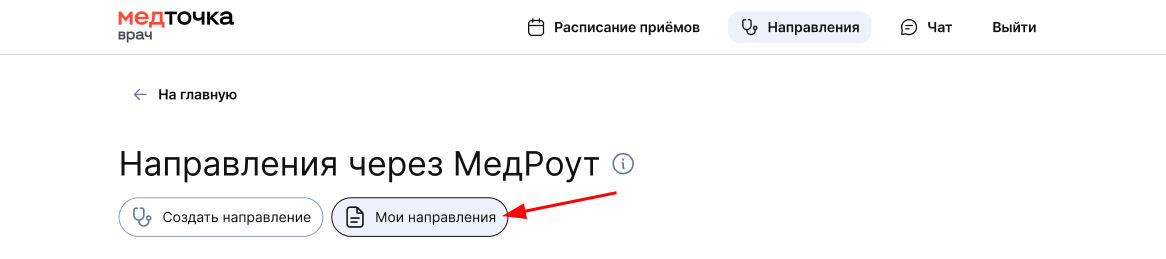
2. Select a tab«Мои направления».
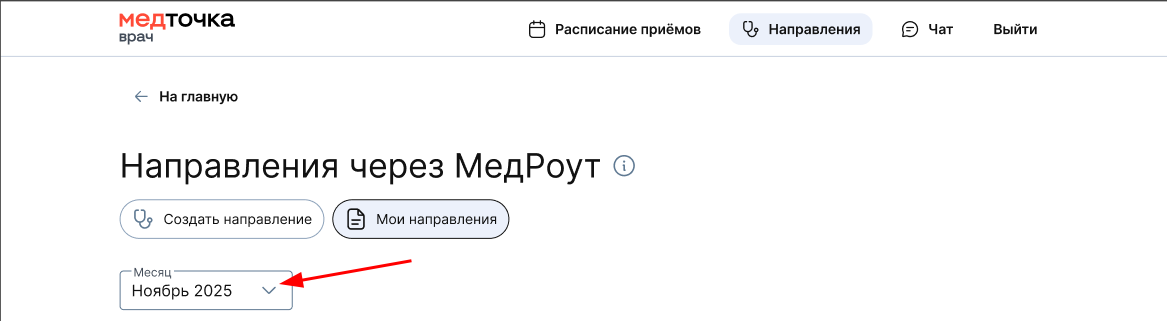
By default, the directions for the current month are displayed. To view destinations for another month, use the filter.
The page will display a list of doctors who created referrals in the specified month.