


Checking the video connection during the consultation
To make the reception as fruitful as possible and without technical surprises, you can prepare for it in the medical room.
For this:
1. Log in to the medical center via a computer or an application.
2. On the main screen, select «Ближайшие записи»and tap on an upcoming online consultation.
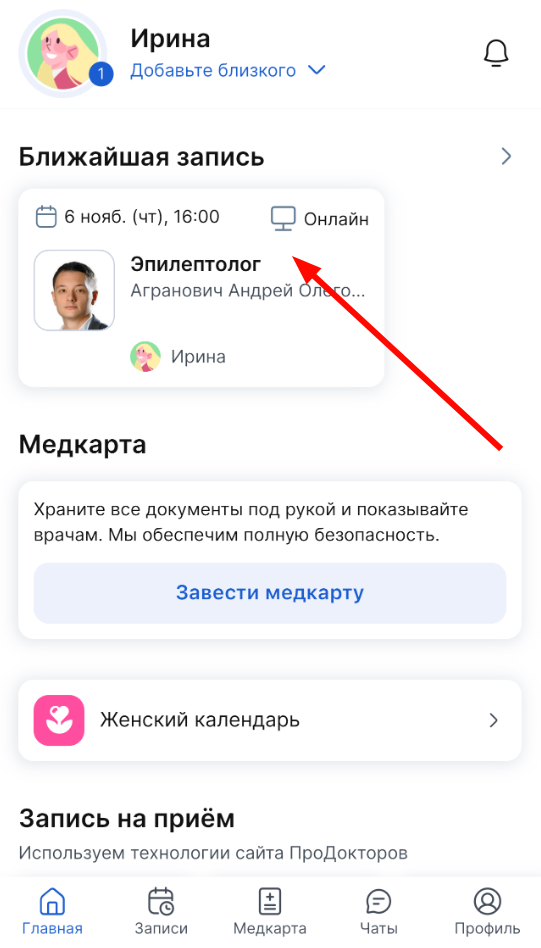
A page opens with the details of the recording.
3. Press the button«Подготовка к приёму».
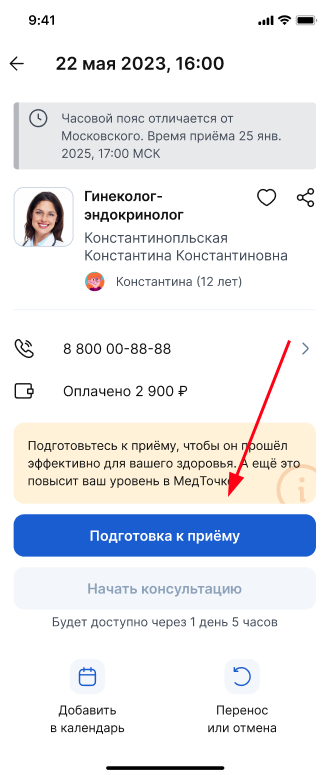
The page opens«Подготовка к приёму».
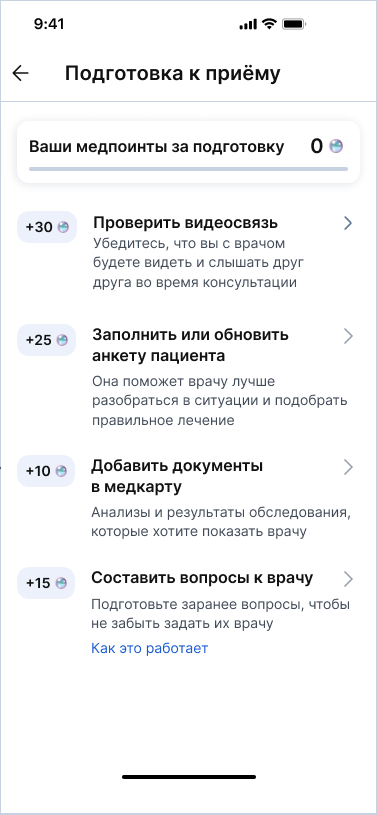
4. Click «Проверить видеосвязь».
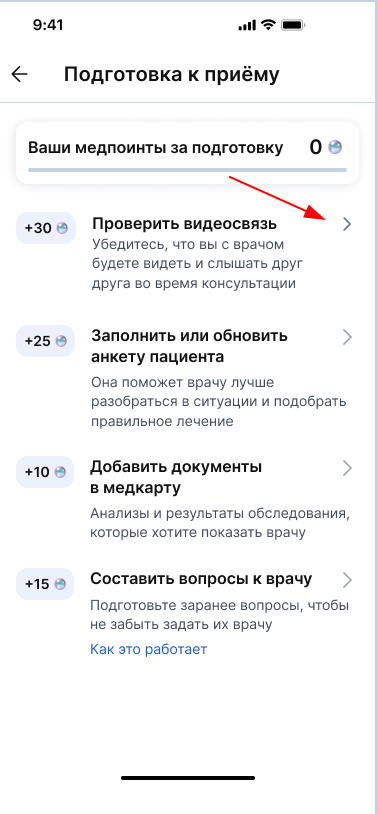
If there are problems, you will see corresponding messages.
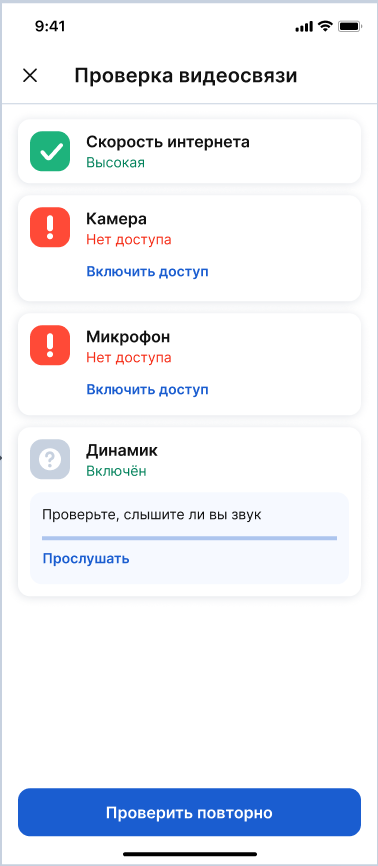
For more information on how to solve computer problems, see the article Technical problems during consultation.
If there are no problems with communication, all items will be marked with green checkmarks.
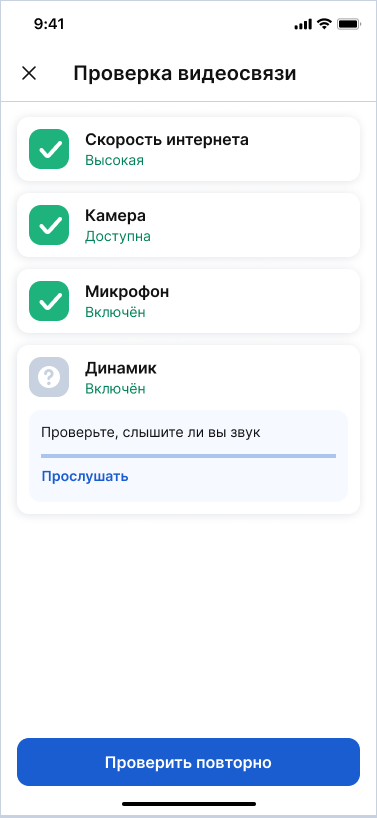
Checking the video connection during the consultation 
Click «Проверка связи»on the consultation page.
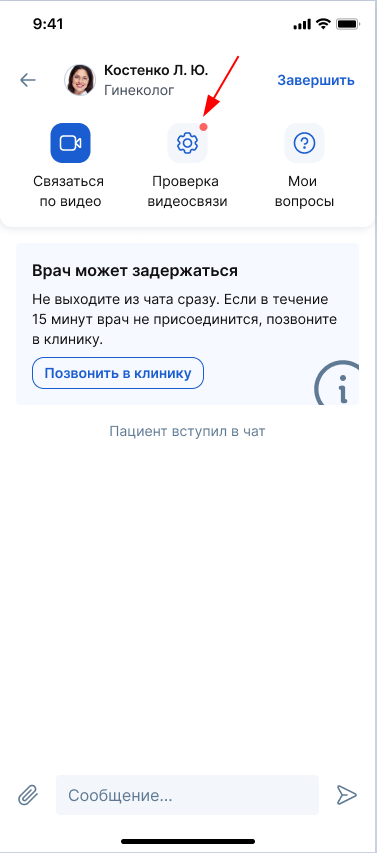
You will be taken to the same page«Проверка видеосвязи».
Important! According to the order of the Ministry of Health dated 04/11/2025 No. 193n, within the framework of an online consultation, a doctor cannot diagnose, prescribe prescriptions and prescribe treatment. The doctor can only prepare recommendations based on the results of the consultation.