


How to set up the push notifications you want to receive 
1. Log in to the medical center through the app.
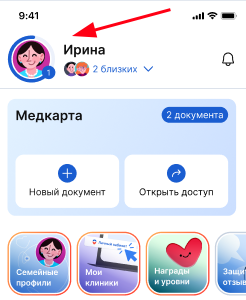
2. Log in to your profile:
- Click on the avatar in the upper left corner.
- Or click on the icon «Профиль» in the lower right corner.
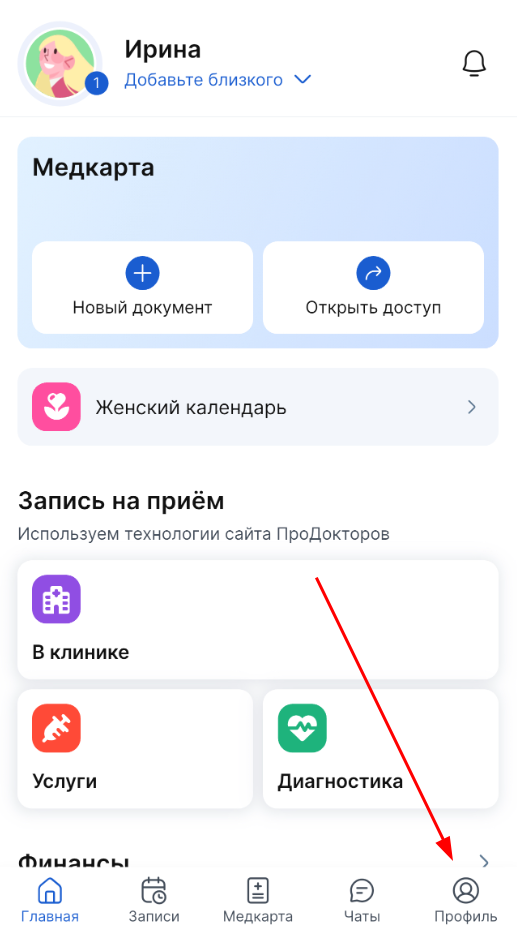
3. Select a section «Настройки приложения».
4. In the block «Push-уведомления», enable the sections for which you want to receive notifications.
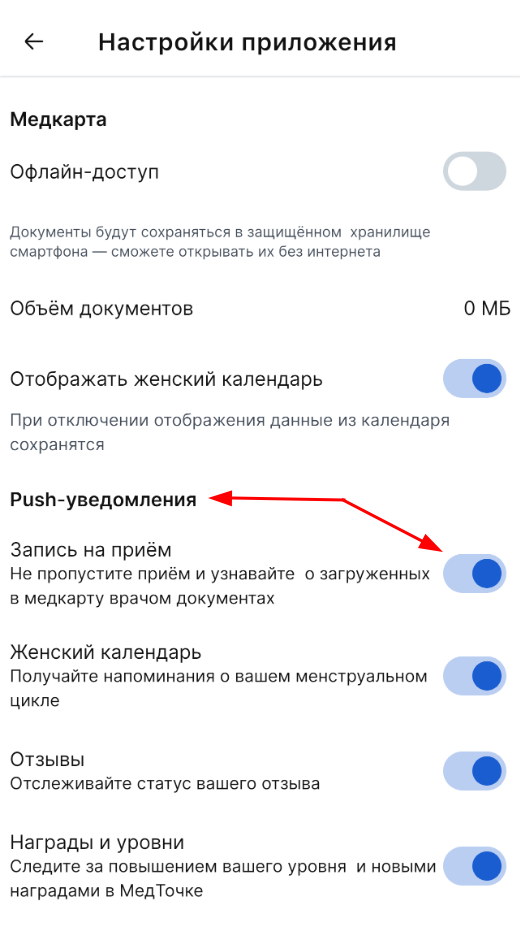
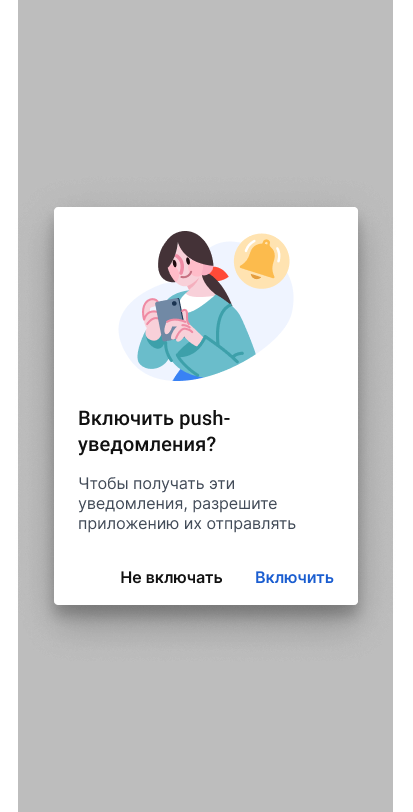
If you did not give the app access to notifications in your smartphone settings, you will see a corresponding warning. Follow the link «Включить».
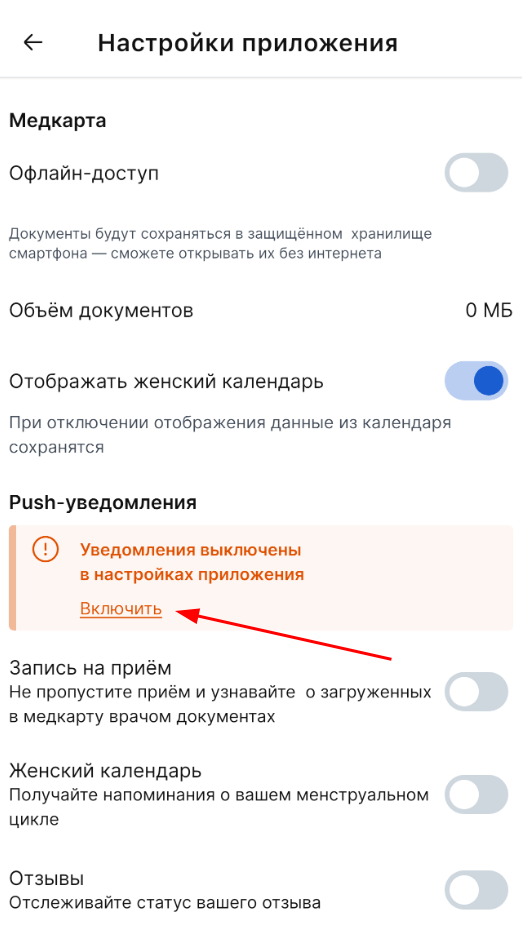
In the window that opens, click «Включить».
When you turn on notifications, you can configure them. If you turn off notifications on your smartphone again, the settings will be saved.