


In the Honeybox, you can create profiles for your family members to use the same app. All of them are combined into a family profile.
How to create a family profile 
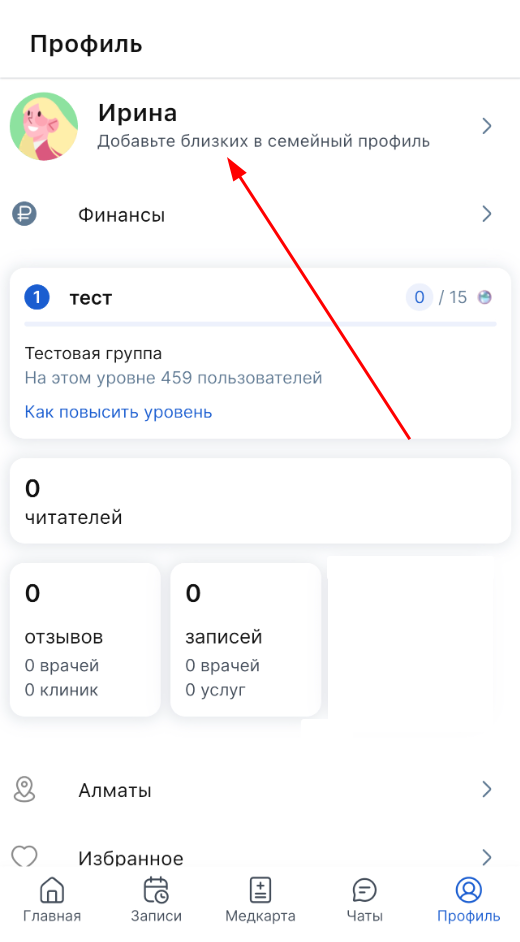
- Click on your name with the label «Добавить близких».
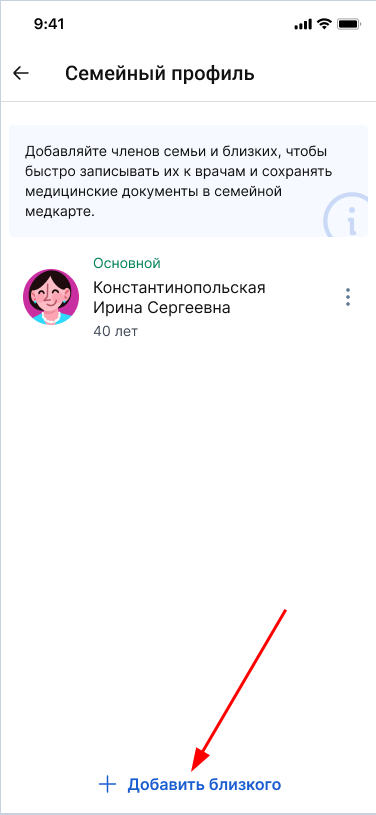
2. In the window that opens «Семейный профиль», click on «+Добавить близкого».
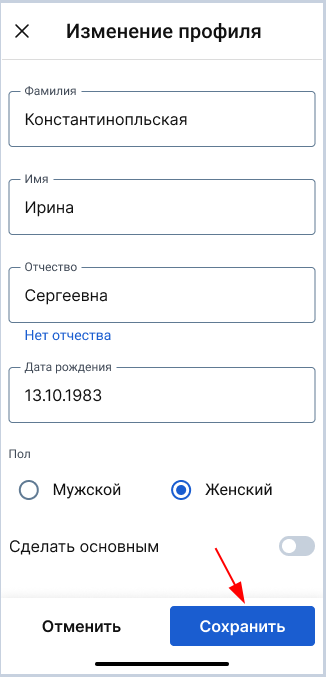
3. Fill out the patient's profile for a loved one and click «Сохранить».
All added profiles will be displayed on the screen «Семейный профиль».