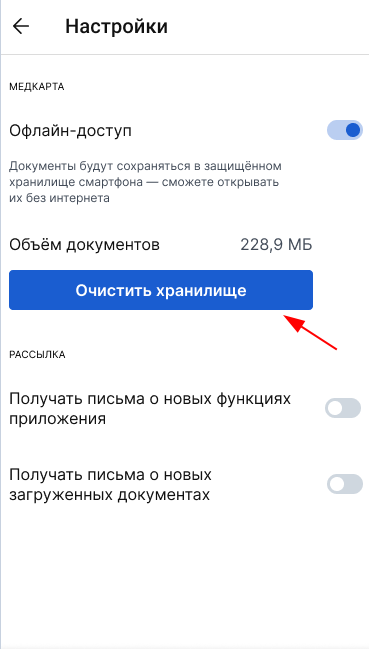


You can view documents from your medical record without internet access.
For this:
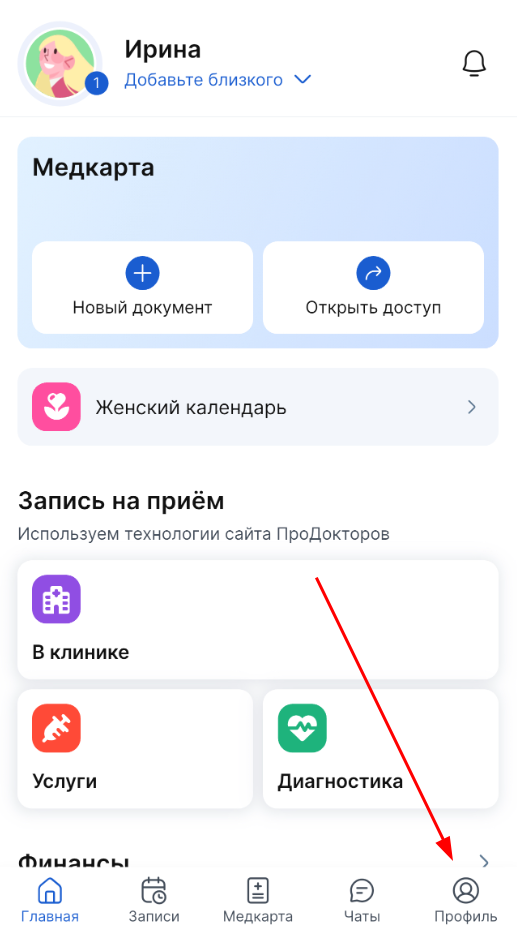
1. On the bottom panel of the application, tap «Профиль».
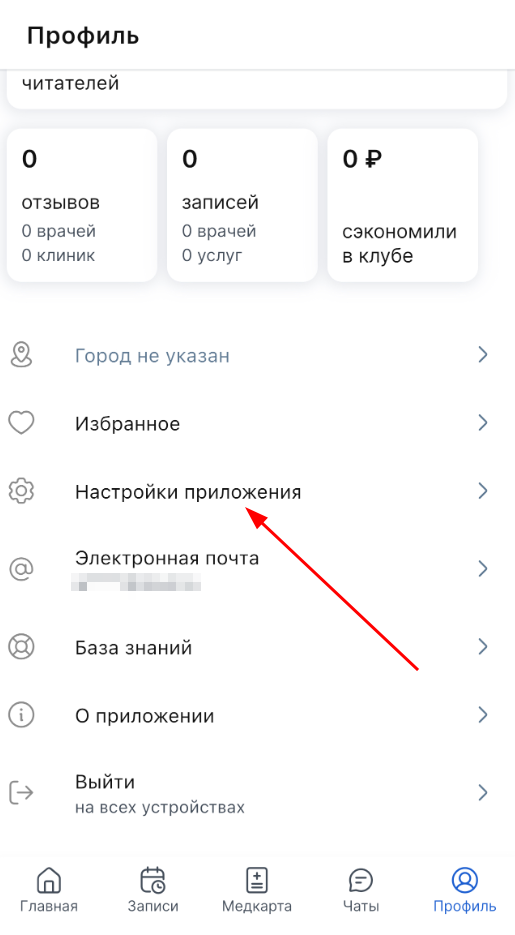
2. Log in «Настройки приложения» to .
3. Turn «Офлайн доступ» it on.
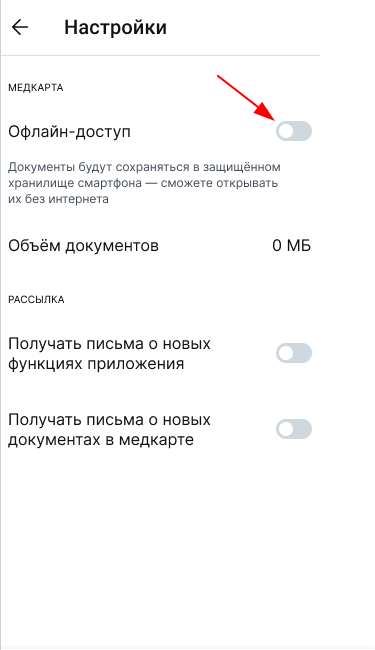
4. Now all the documents viewed online will be saved in the phone's memory.
Important! Unread documents that were sent to you from the clinic are not automatically saved to offline storage. To make the document available offline, be sure to open it with the Internet enabled on your smartphone.
The field «Объём документов» will display the amount of memory on the smartphone occupied by documents from the medical record.
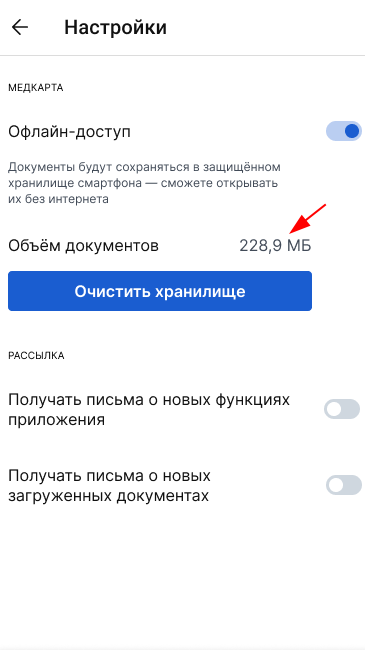
You can delete documents from memory by clicking «Очистить хранилище».