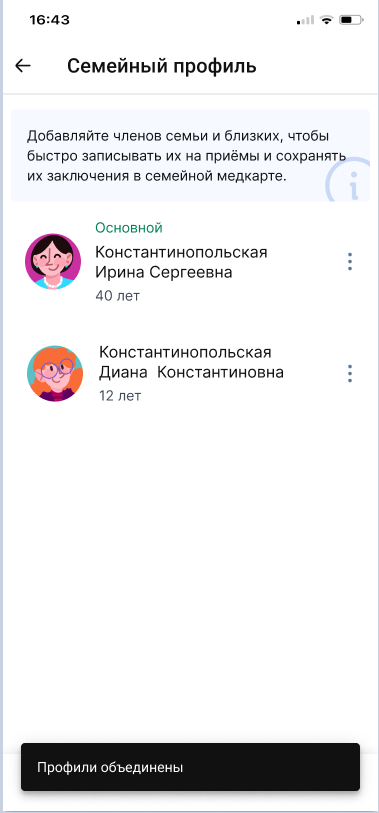


If the clinic made a mistake when filling in the patient's details, a duplicate profile may appear.
You can combine such a profile with the correct one. All documents and appointment records in the profiles will be combined.
How to combine profiles 
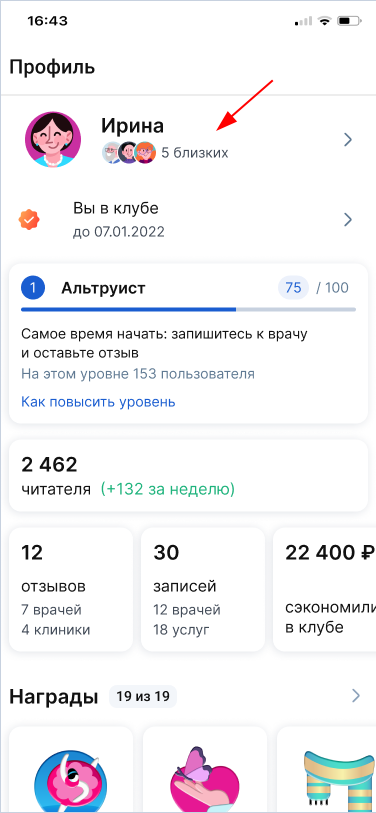
1. Log in to your family profile.
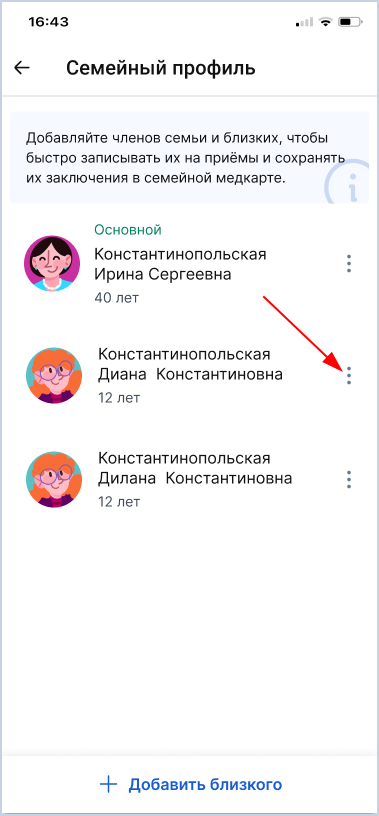
2. Click on the three dots near the profile that you want to combine.
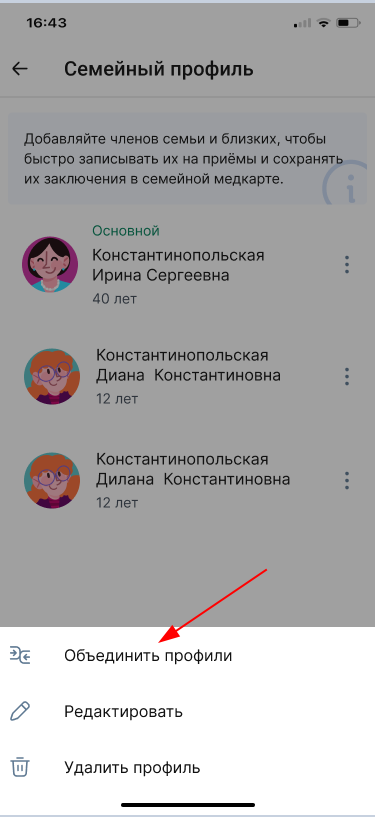
3. In the window that appears, select «Объединить профили».
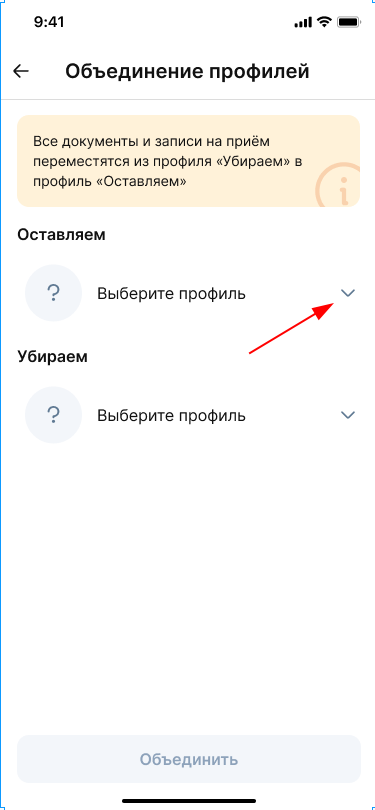
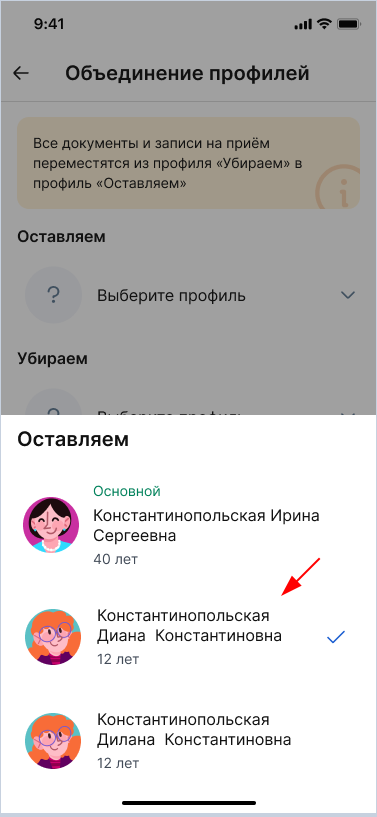
4. Select the profile you want to leave.
All the data of this profile is saved, including the questionnaire, documents and records.
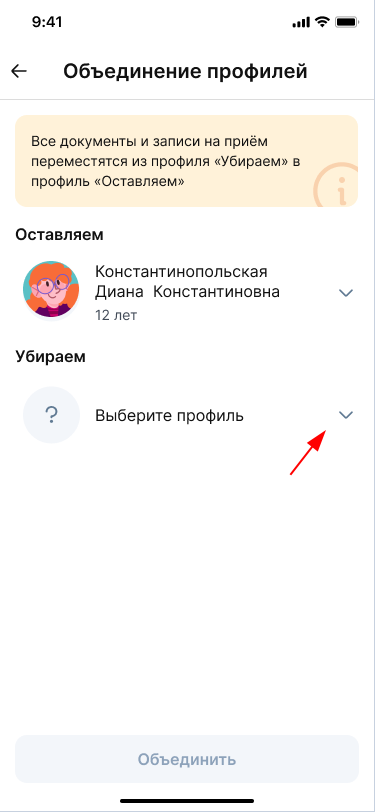
5. Select the profile you want to remove.
The profile profile will disappear, but all documents and records from it will remain in the combined profile.
6. Make sure that you have selected the correct one and click «Объединить».
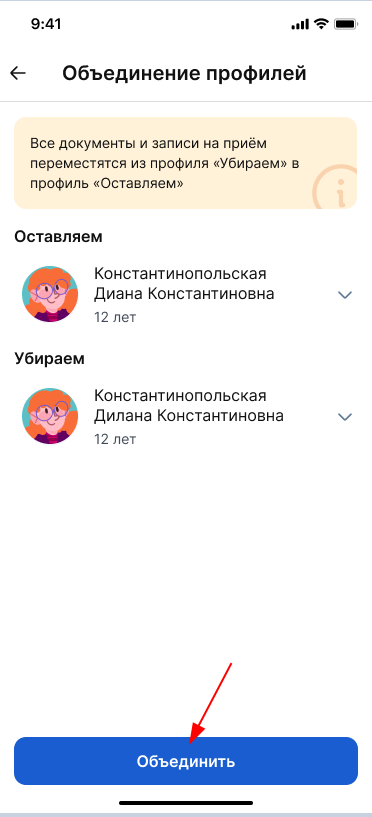
The combined profile will appear in the list «Семейный профиль».