


You can change the email address linked to the medical card, but only with the loss of all documents uploaded to the medical card.
To change your email address:
1. Log in to the МедТочка app.
2. Go to the section «Медкарта».
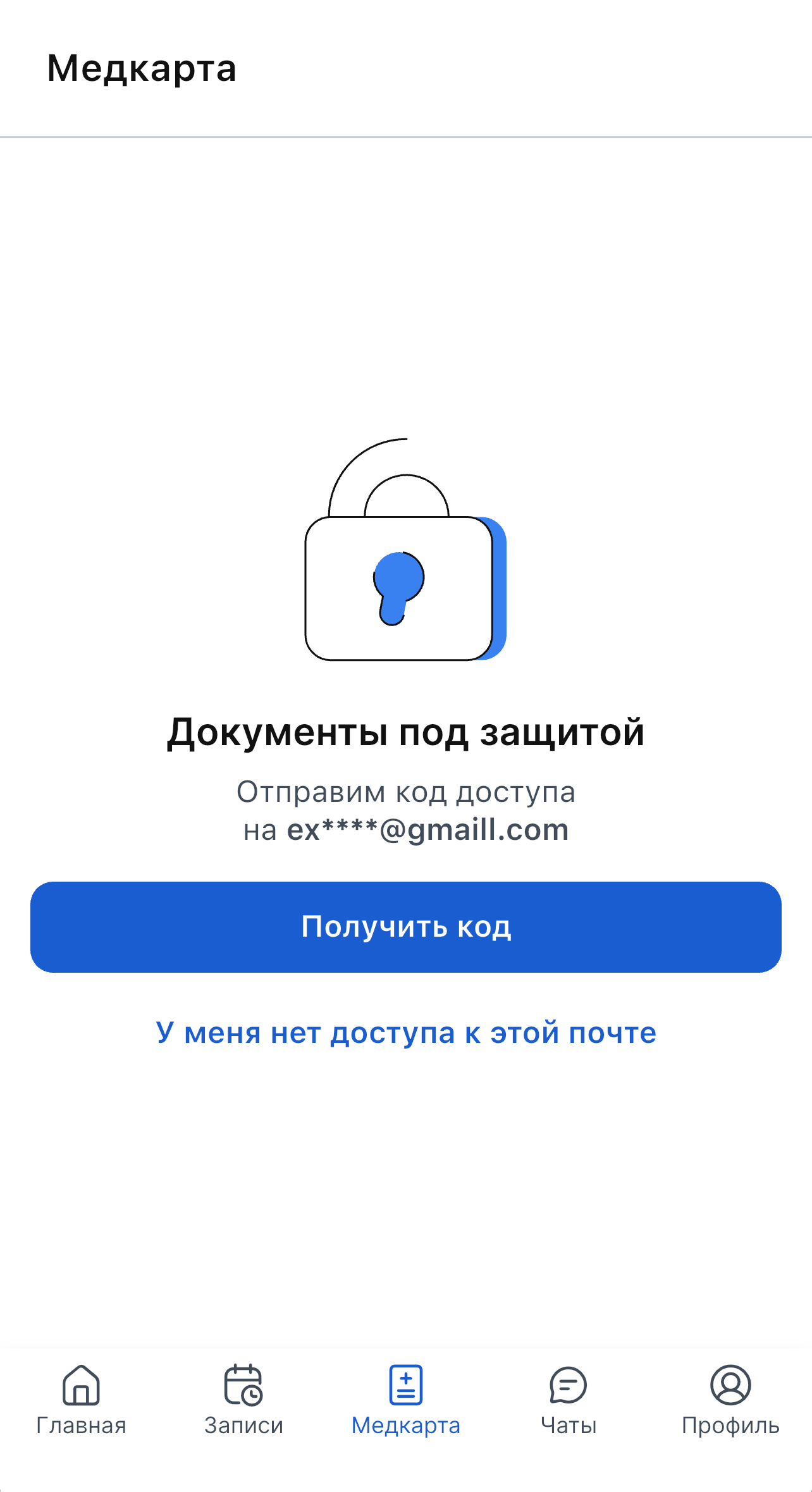
3. Select an item «У меня нет доступа к этой почте».
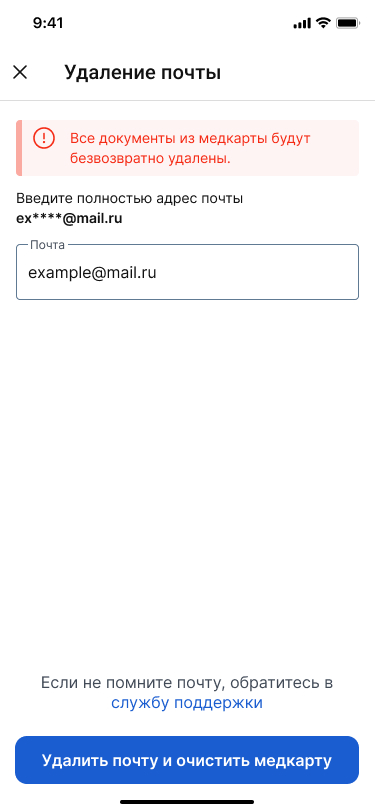
4. Enter the email address to which access has been lost.
The medical record will be reset and you will be able to link a new email address.
Important! If you delete your email, your medical record will be cleared. All documents in the medical record will be permanently deleted.
5. Click «Удалить почту и очистить медкарту».
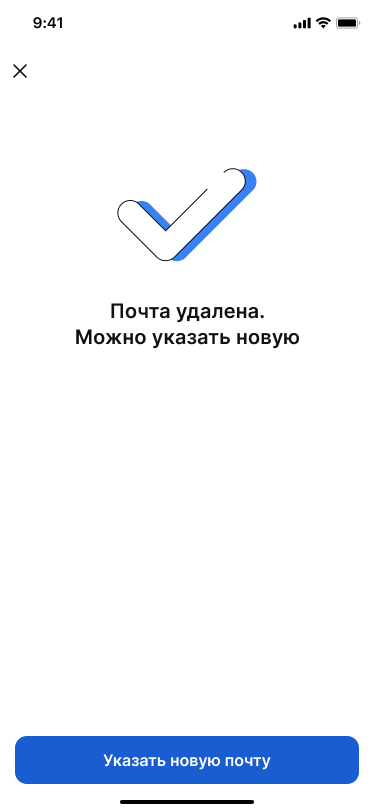
6. Click «Указать новую почту».
If the required email address is linked to an unknown account, contact support.: