


Using the women's calendar, you can mark the days of menstruation and symptoms, and share the data with your doctor.
The app will analyze your cycle and generate a report for the doctor.
The calendar is only available in the mobile app.
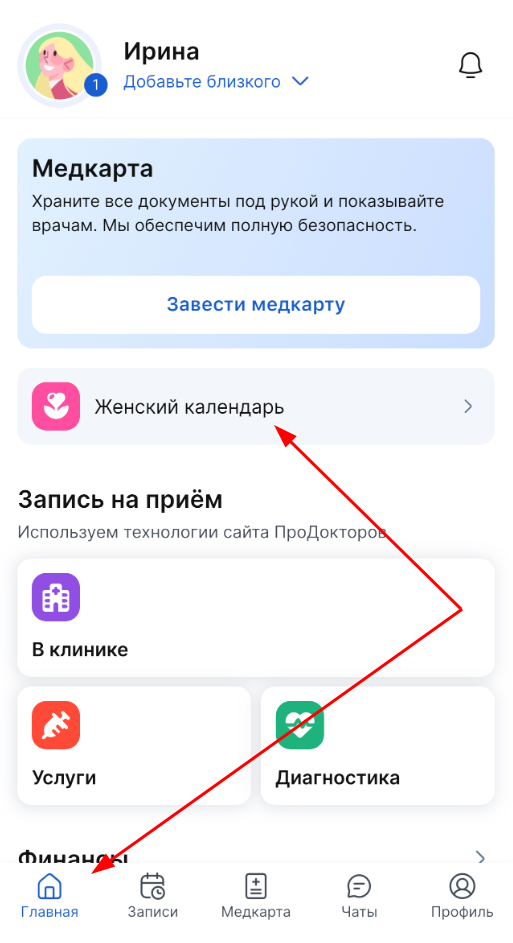
Clicking on the section «Женский календарь» opens a selection screen.
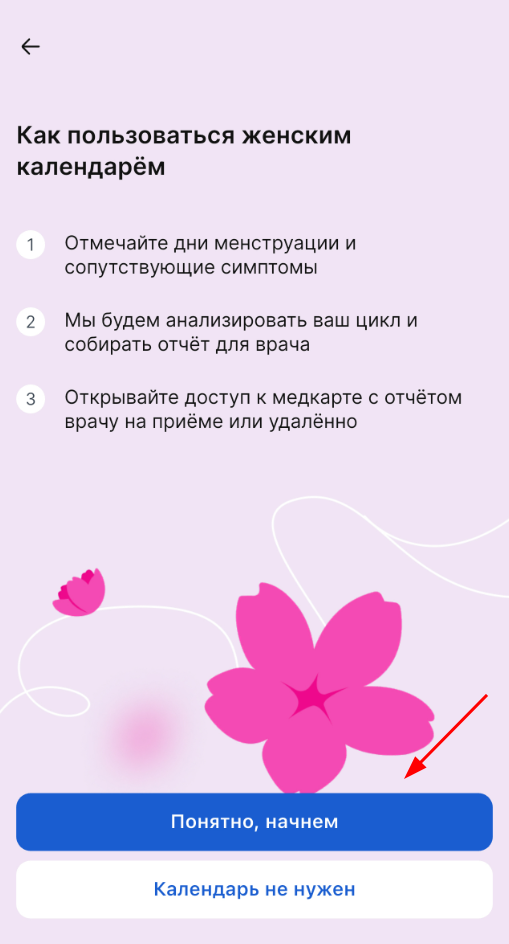
Click «Понятно, начнем» and enter the data to set up the calendar:
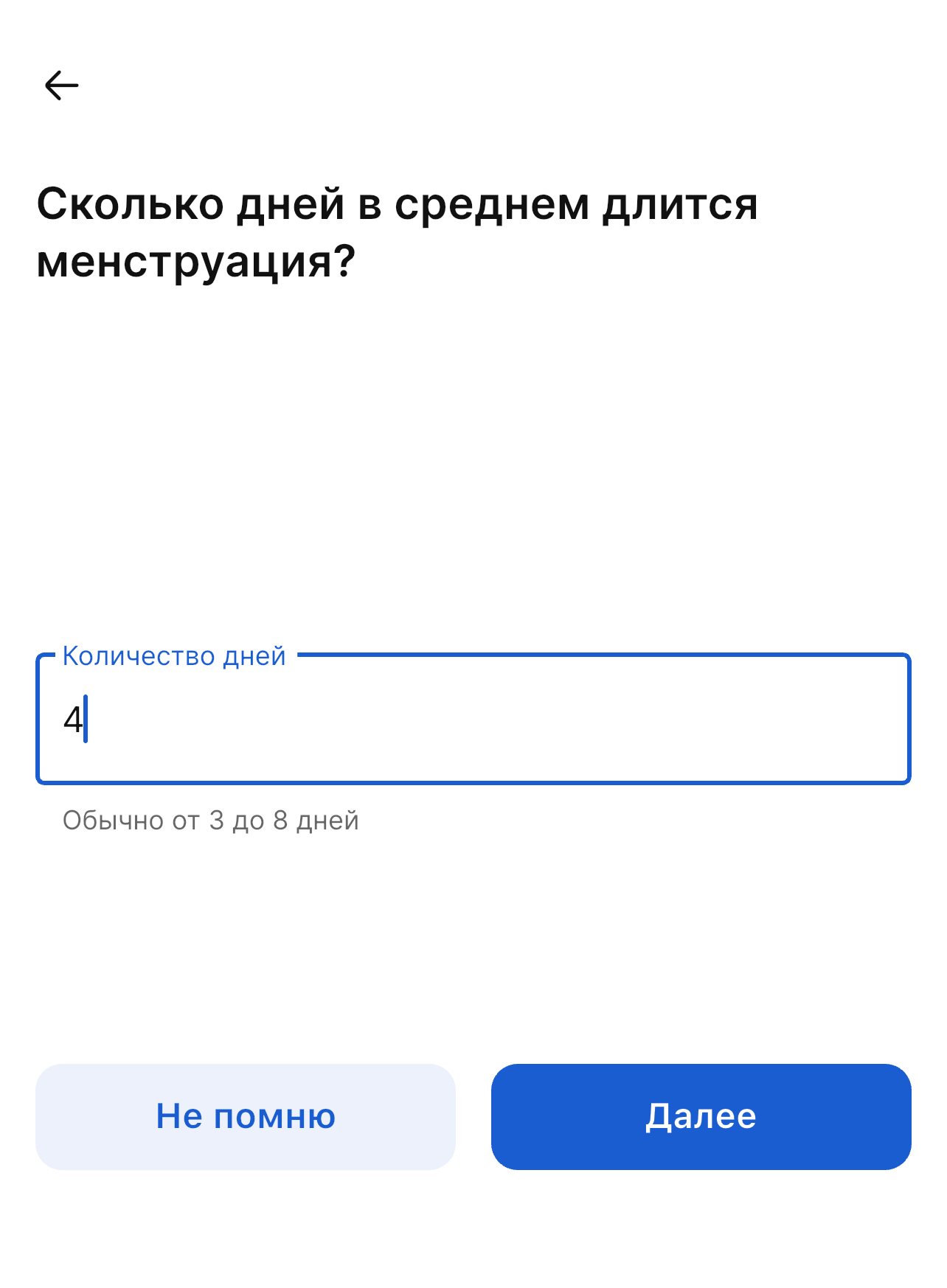
- How long does an average menstruation last?
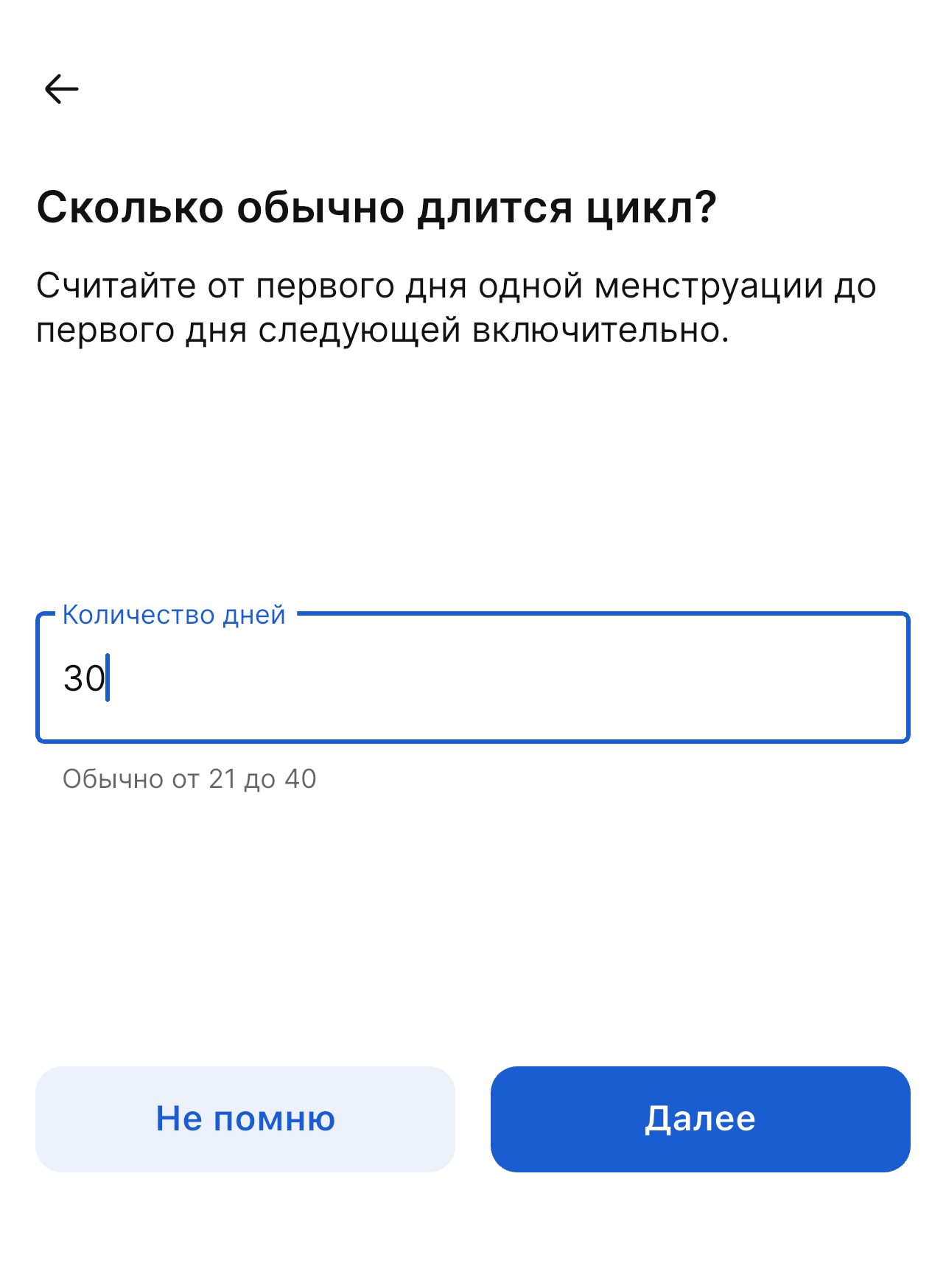
- How long the cycle usually lasts.
- Specify the start and end date of the last monthly period.
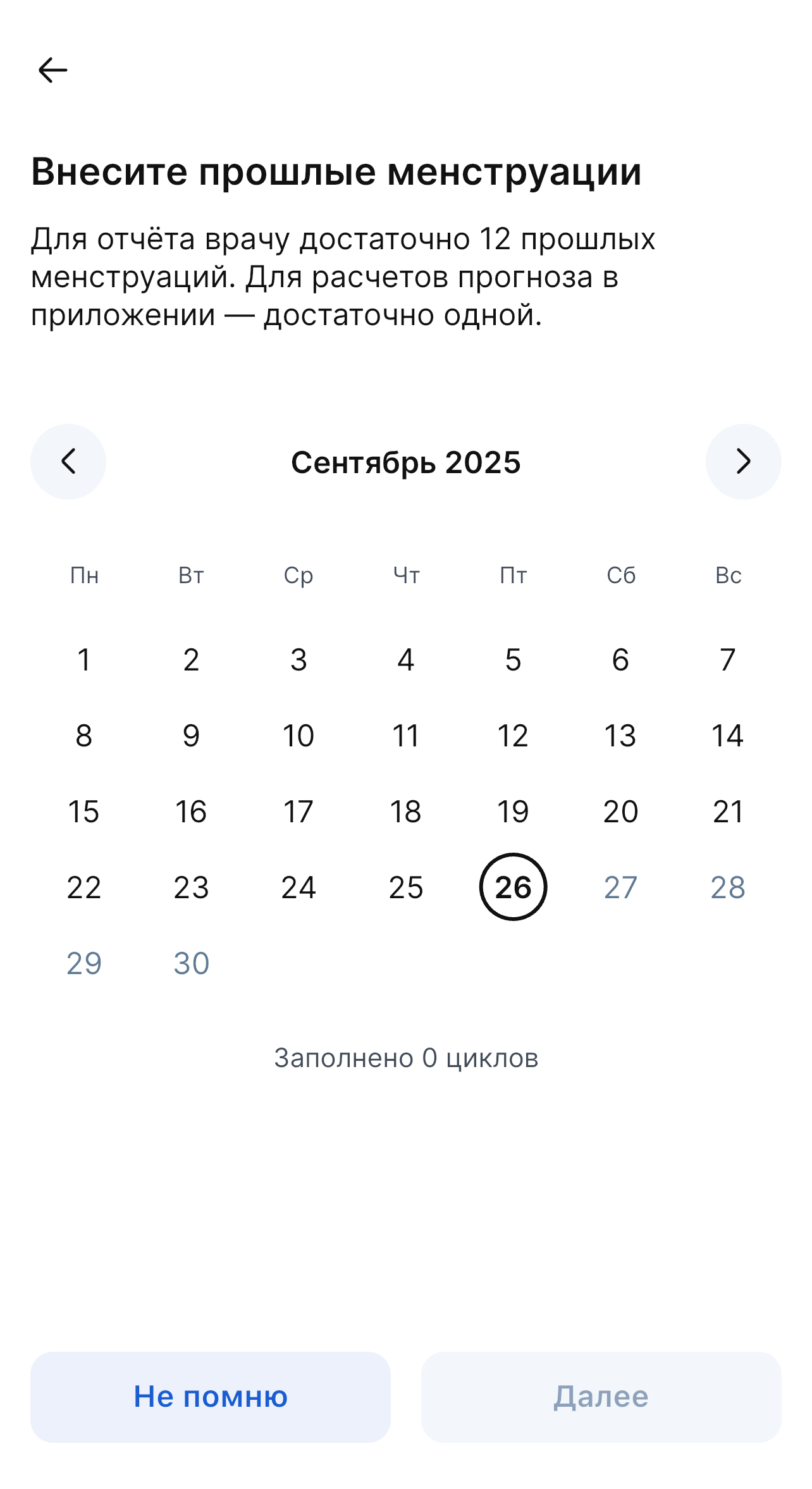
When setting up the women's calendar, you can enter data for the last 12 cycles. It is these data that the doctor needs in order to analyze your cycle.
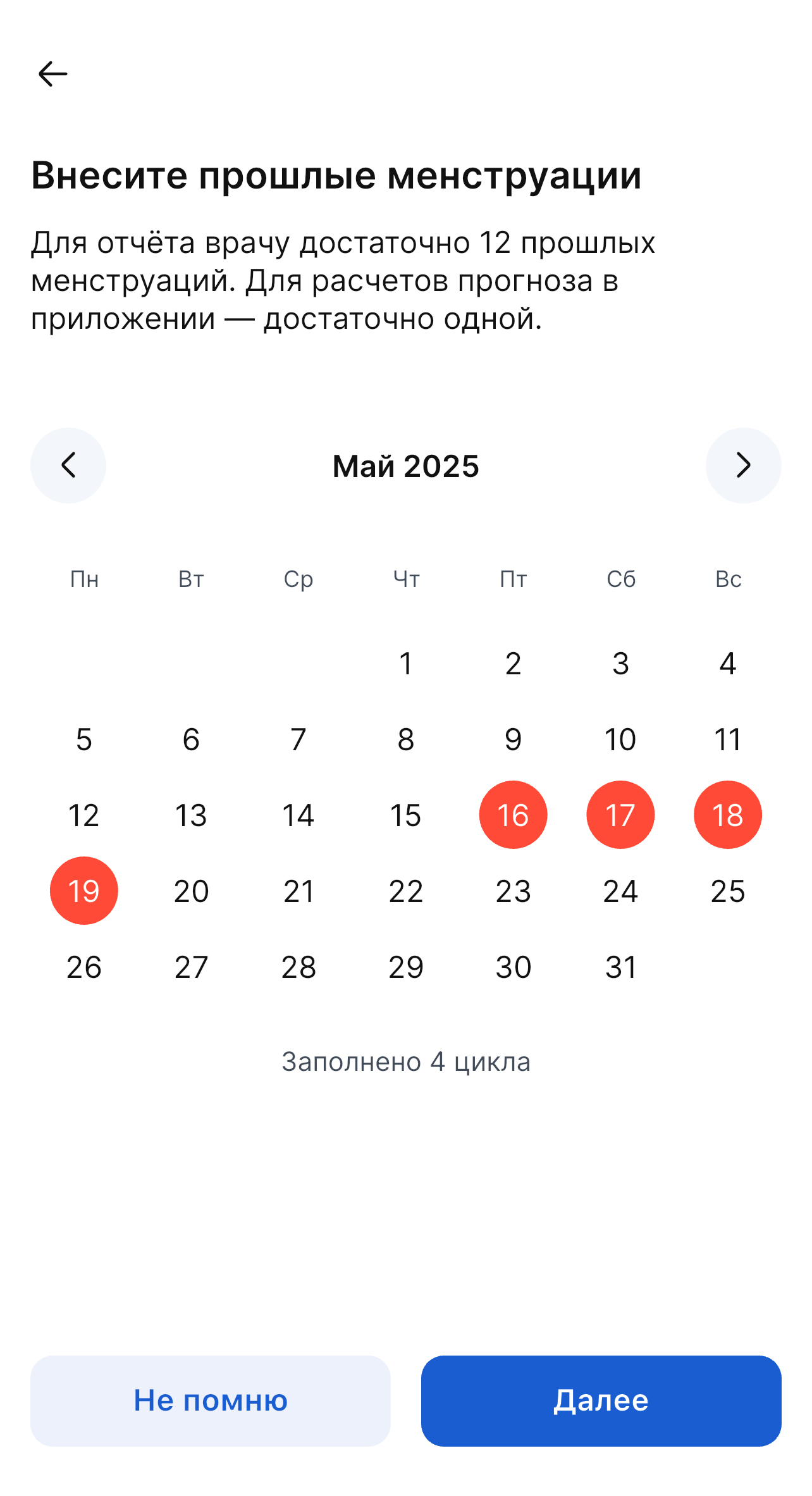
The monthly forecast is not formed if you skip any step and select «Не помню».
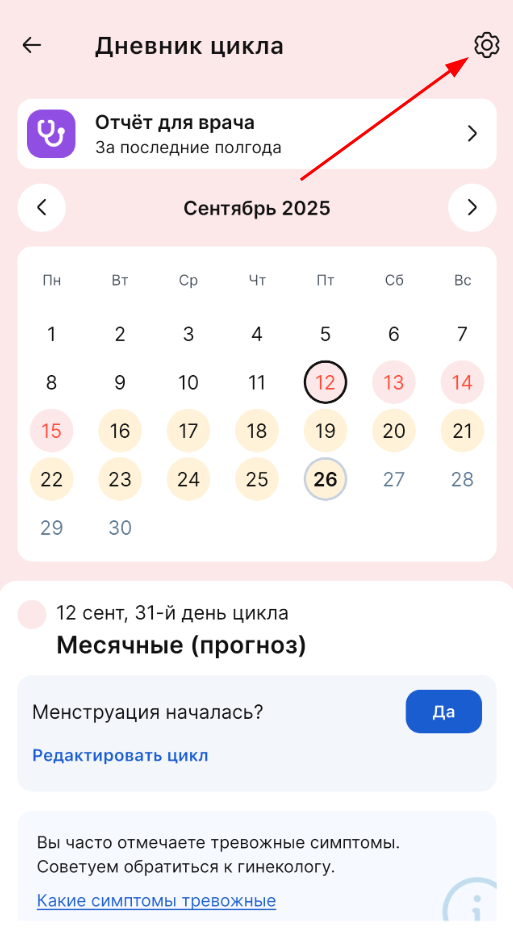
If you need to change the data that you entered during the initial calendar setup, click on the gear icon on the cycle diary page to open the settings.
In the settings, you can add or edit the duration of menstruation and cycle duration.
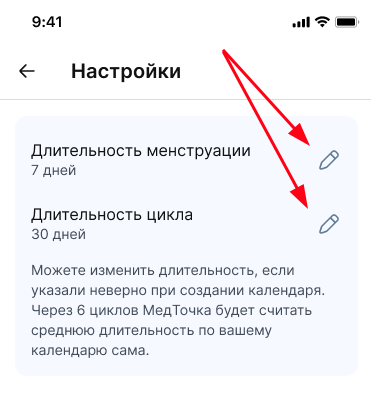
Only the data specified during the initial setup is pulled up here.
If you skipped these steps earlier during the initial setup, the fields will remain empty.
After you enter or edit the data, it will automatically be taken into account when calculating the cycle.