


Choosing a treatment plan
Detailed tooth information
Make an appointment with a doctor
After the clinic that runs on the Medlock medical information system sends you a dental treatment plan, a section will appear in your account «Мои зубы».
In this section, you can view the diagnosis and prescribed services for each tooth, see the amount of treatment and make an appointment for the next appointment.
Choosing a treatment plan 
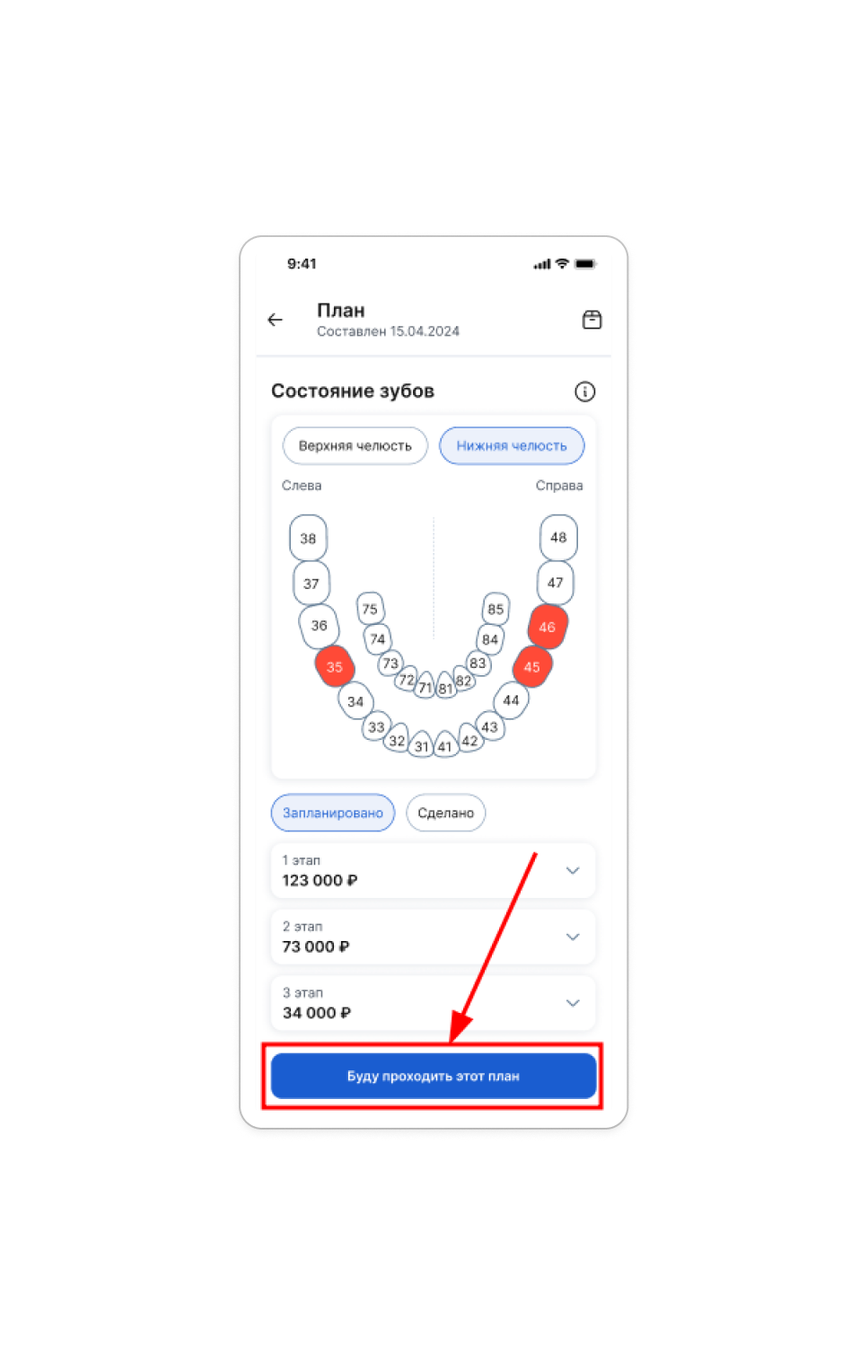
If the clinic has sent 2 treatment plans, choose which plan you will follow.
- Go to the section «Мои зубы».
- Select the desired treatment plan.
- Click the button «Буду проходить этот план».
Detailed tooth information
After selecting a treatment plan «Мои зубы», the dental formula will appear in the section— a display of your teeth with detailed information on each one.
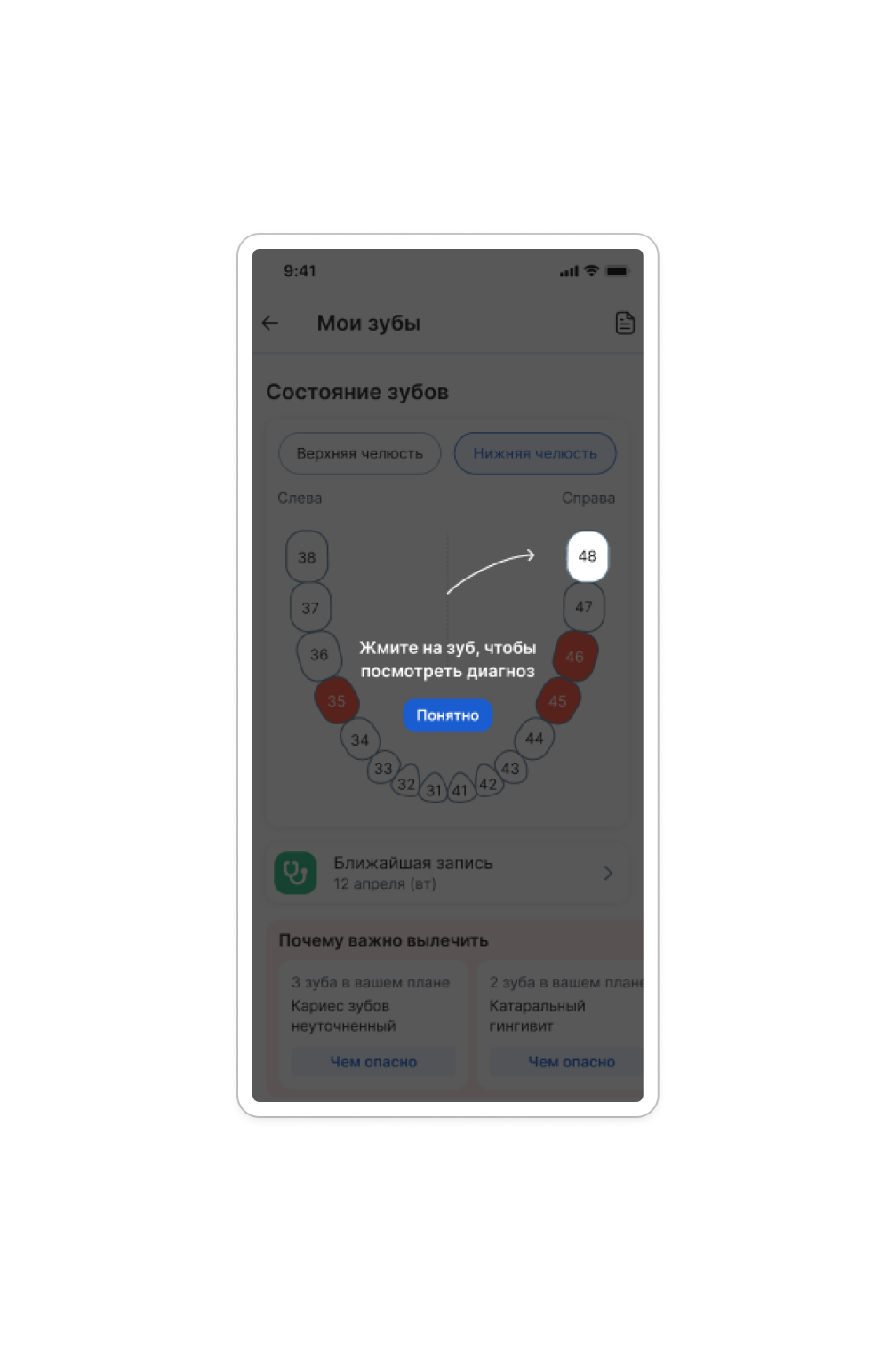
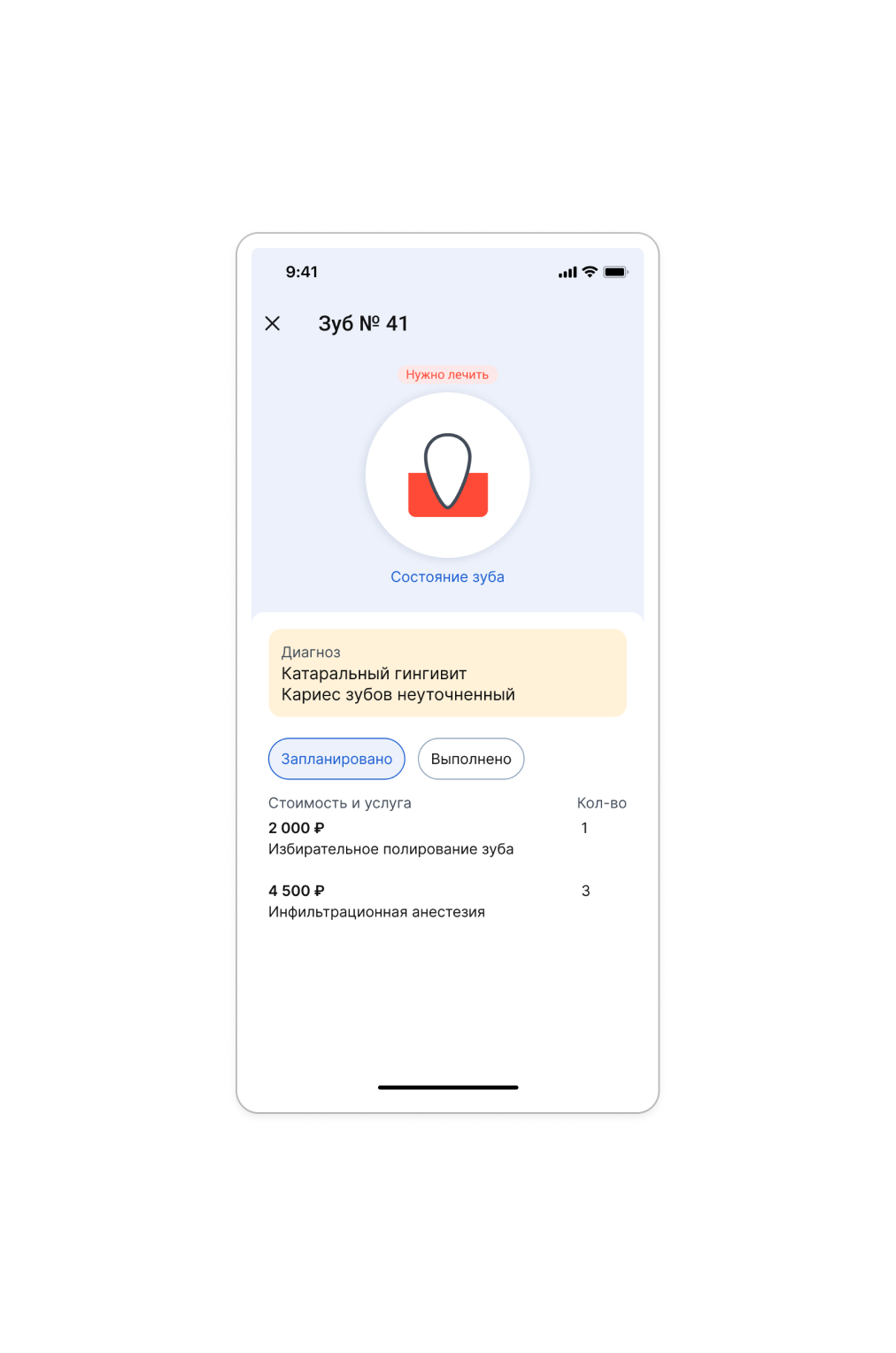
By clicking on a tooth, you can view the diagnosis, planned and performed services for that tooth.
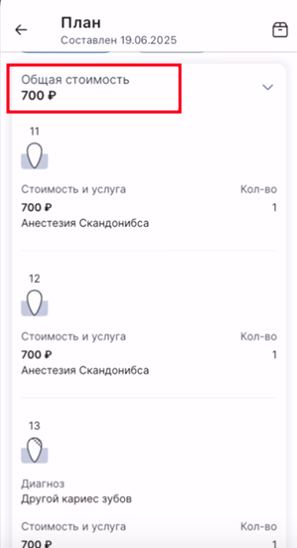
If one service was used for several teeth, this service will be counted once in the total cost of the treatment plan.
For example: one anesthesia service was used for three teeth, the total cost of the service will be calculated once.
Make an appointment with a doctor
There is a button in the details of the treatment plan and the details of the tooth «Записаться на приём». Clicking it will take you to the clinic's page, where you can select a branch, doctor, and appointment time.
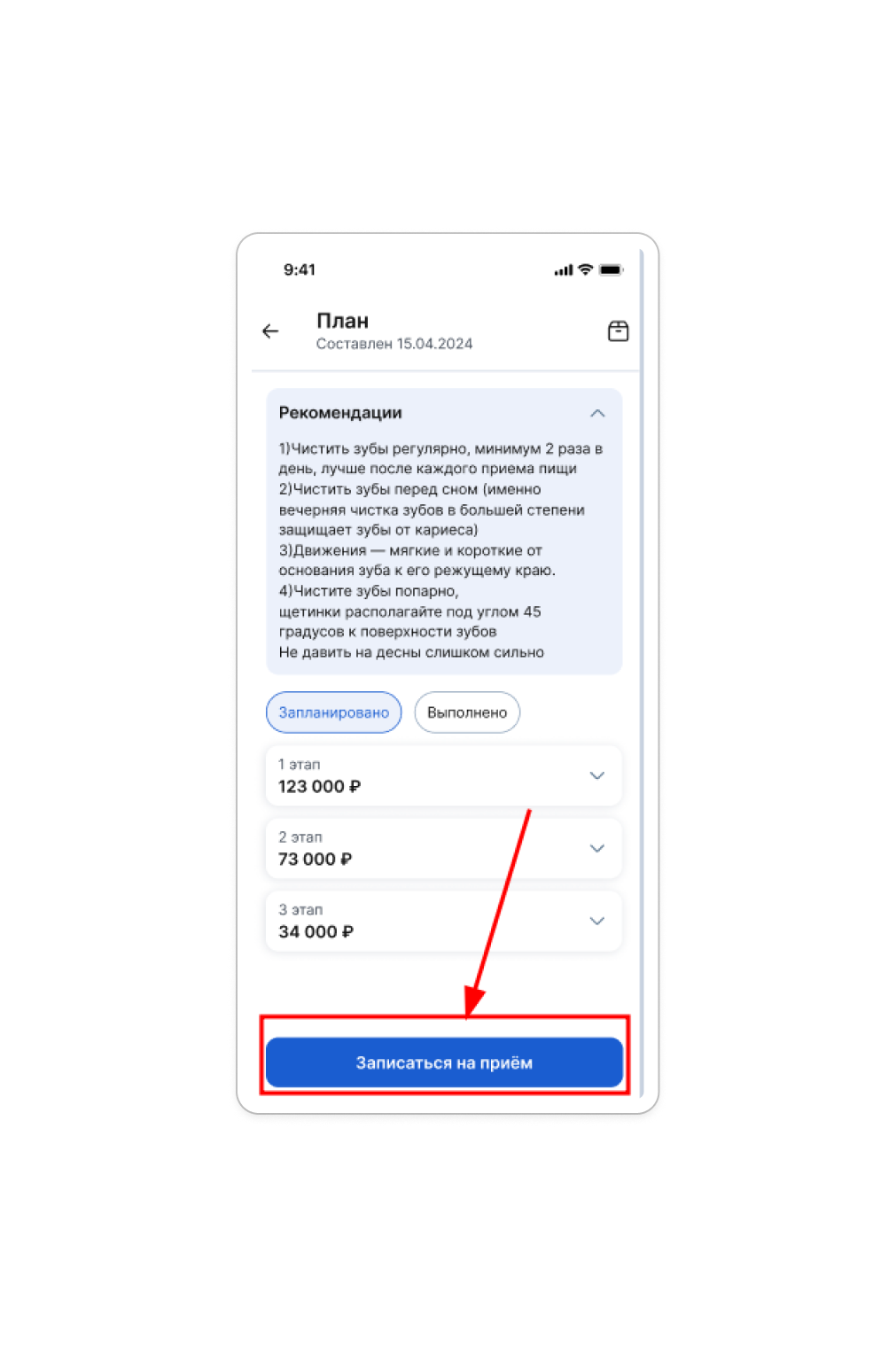
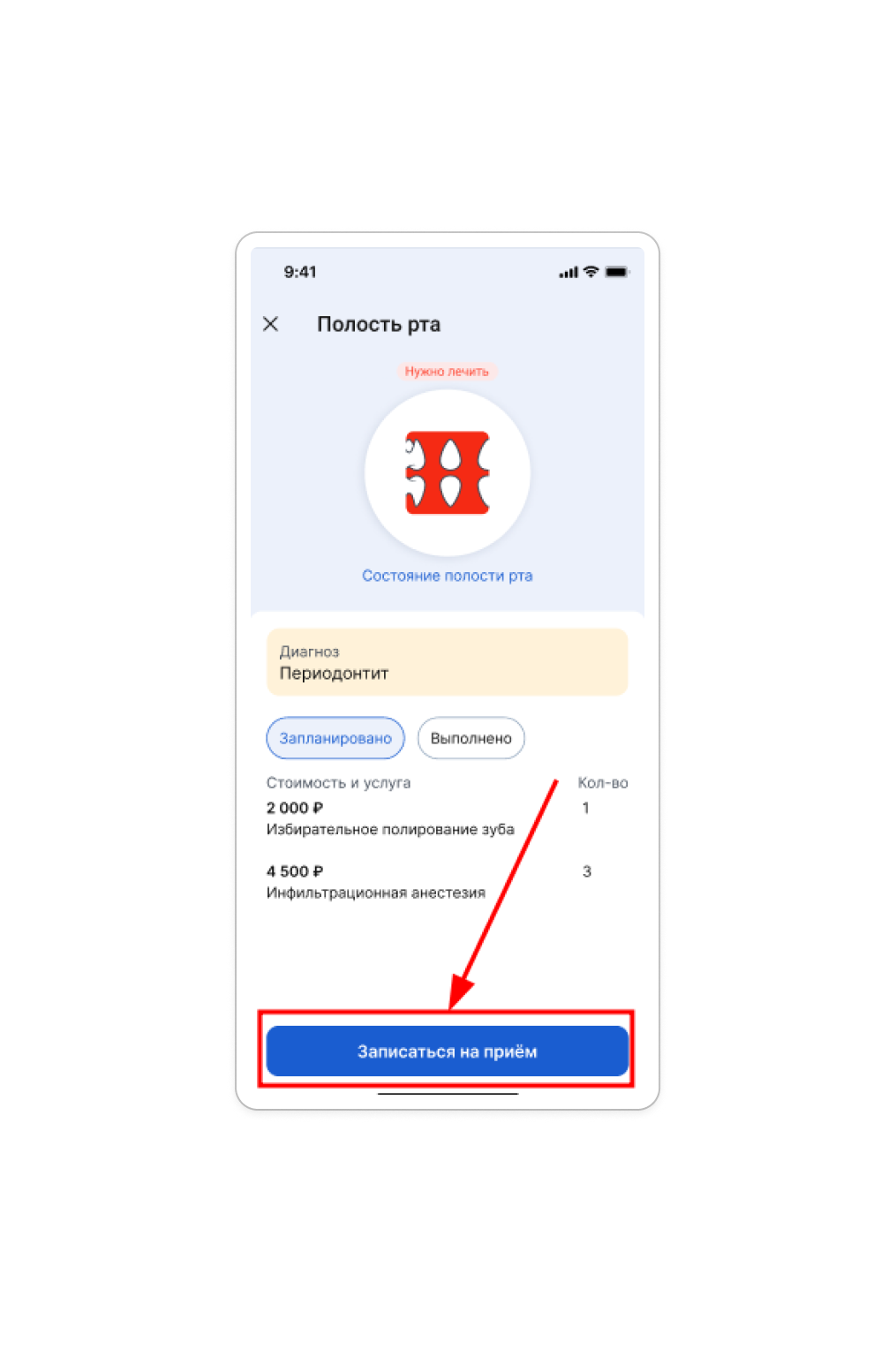
If there is no such button, it means that the clinic has not enabled online recording.
In this case, you can only make an appointment directly through the clinic: call or write to them.