


In this section «Медкарта», you can upload your medical documents, fill out a patient questionnaire and a women's calendar. To access the section, you need to confirm your email address.
Method number 1 
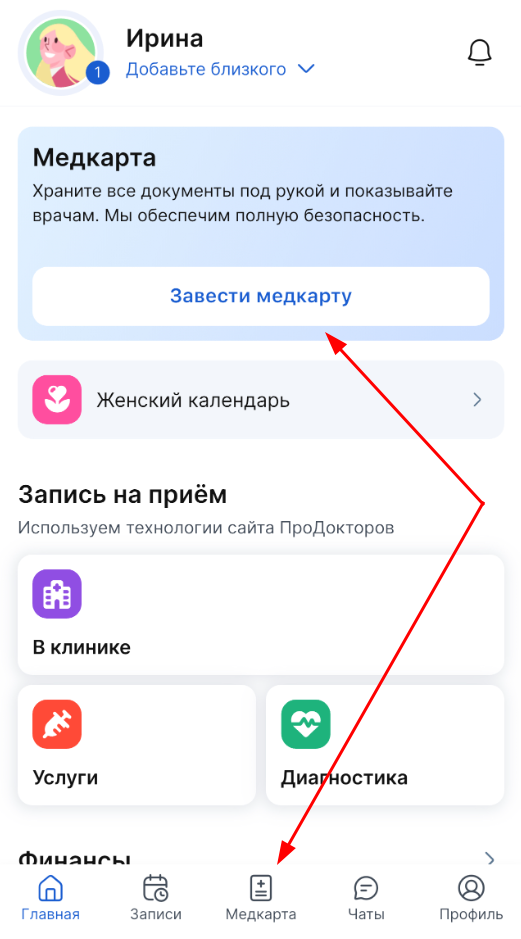
1. Log in to the app.
2. On the main page, select «Завести медкарту».
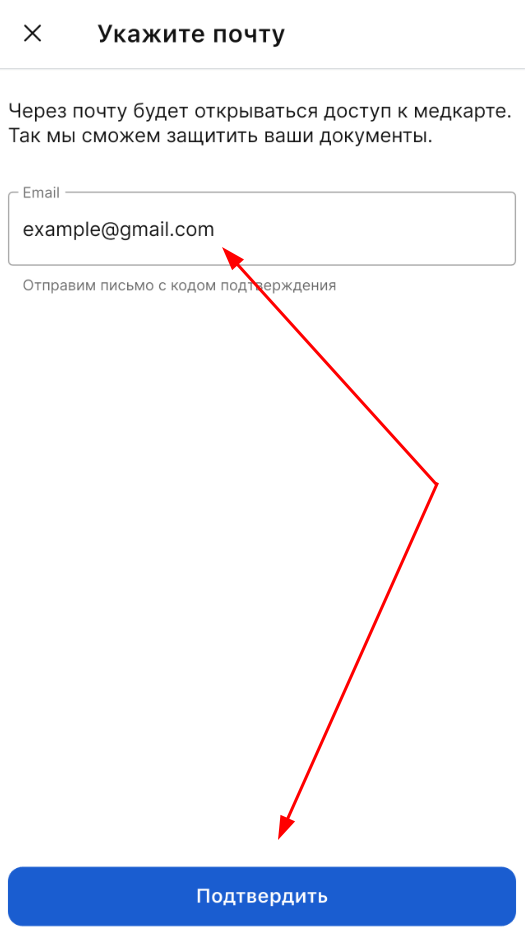
3. A window for entering mail will open.
Specify the email address to which the confirmation code will be sent, and click «Подтвердить».
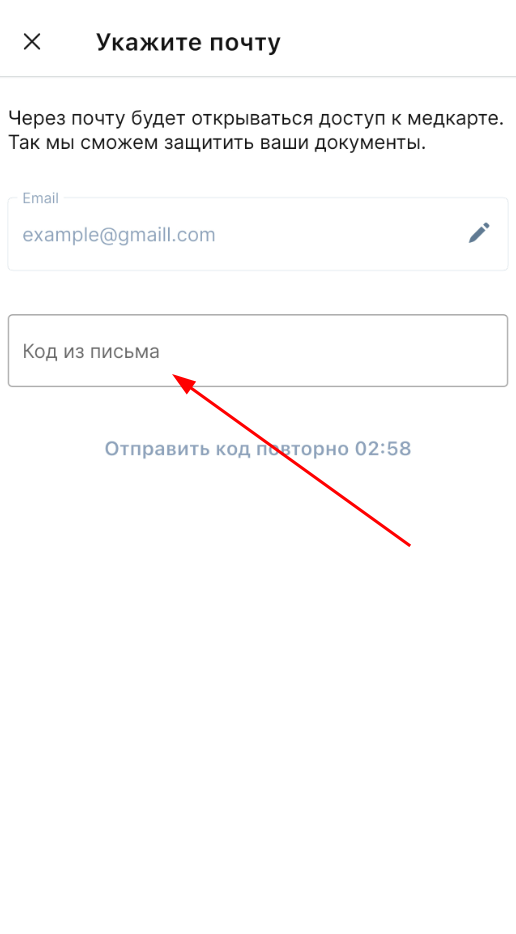
4. In the window «Код из письма», enter the confirmation code received by email.
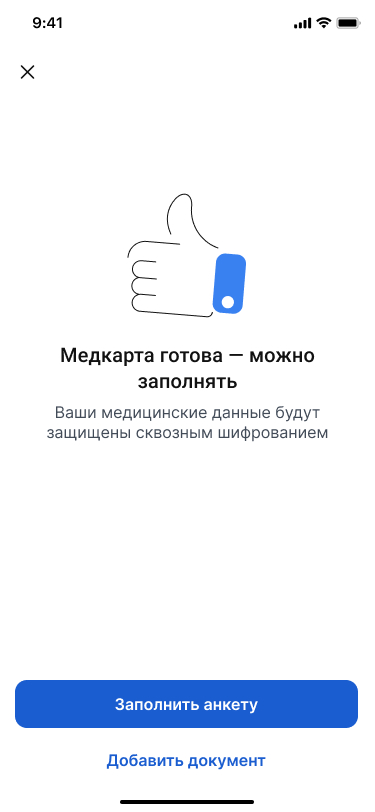
5. The medical card has been created. Fill out the patient's questionnaire and add the documents for the doctor.
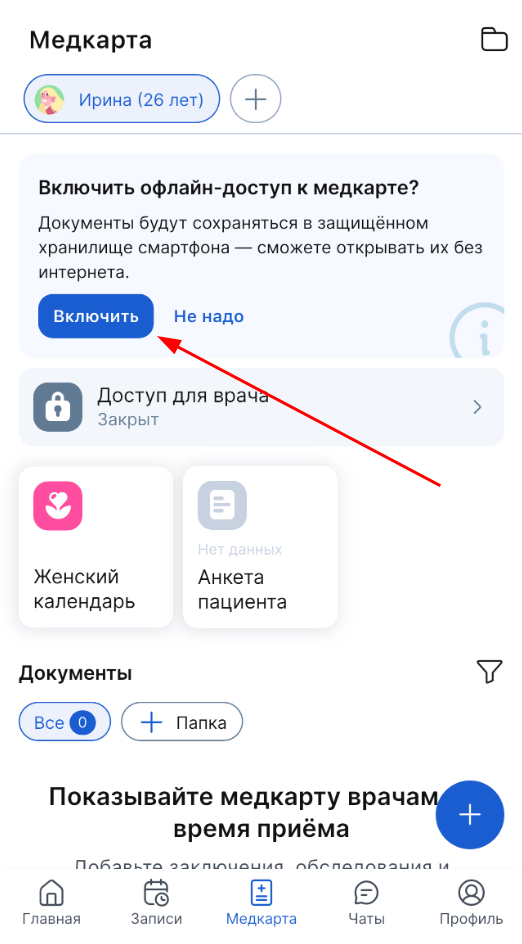
When you go to the section «Медкарта», the application will prompt you to enable saving medical records on your device in order to have access to documents in the application without the Internet.
Tap «Включить» it, and the app will be automatically saved to your phone's memory. For more information, see the article How to set up offline access to documents.
Method number 2
1. Go to the section «Медкарта».
2. Click «Указать».
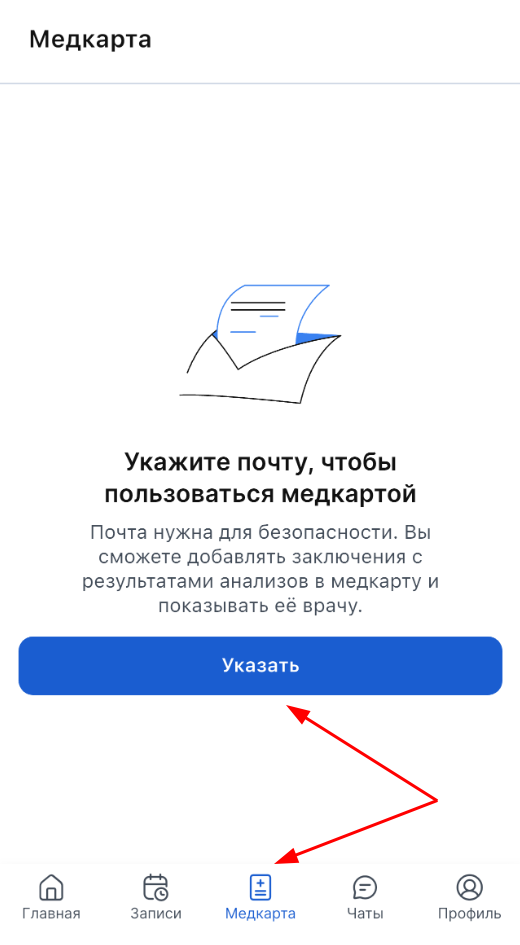
3. A window for entering mail will open. Specify the email address to which the confirmation code will be sent.
4. Click «Подтвердить».