

Someone else's entry appeared in the family profile
A stranger appeared in the family profile
Someone else's entry appeared in the family profile 
If there is an entry in your personal account that you did not create, check the details of the entry.
Such an entry can appear in two cases:
Case No. 1
If the clinic administrator made a mistake during the appointment: he specified your phone number, but someone else's full name.
To delete such an entry:
1. Go to the section «Записи». Select the desired entry and click on it.

2. Click «Это не моя запись» and confirm its deletion.
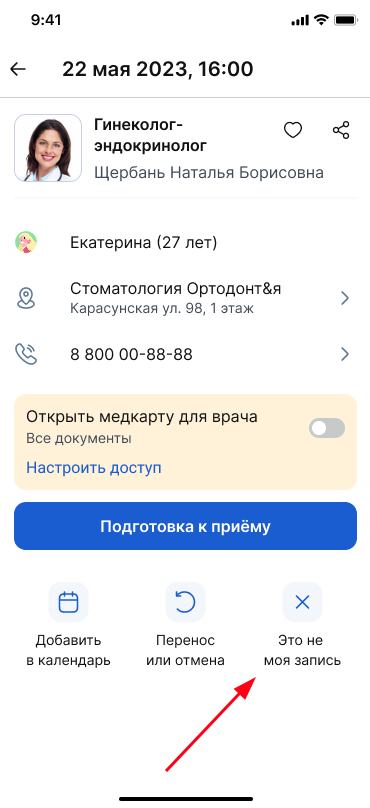
If you delete an entry, it will not be displayed in your personal account.
Case number 2
The clinic administrator did not fully indicate the date of birth or the patient's full name from your family profile during the appointment. Then the record will be linked to the main profile.
To correct the error, contact the clinic and explain the situation.
A stranger appeared in the family profile
It is possible that the clinic mistakenly provided your phone number, but not your date of birth and full name.
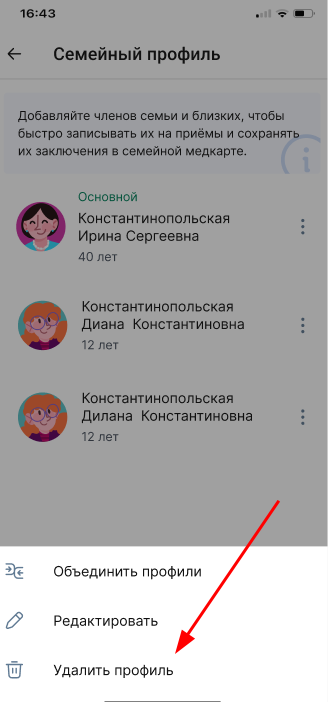
The erroneous profile can be deleted.
How to delete a profile
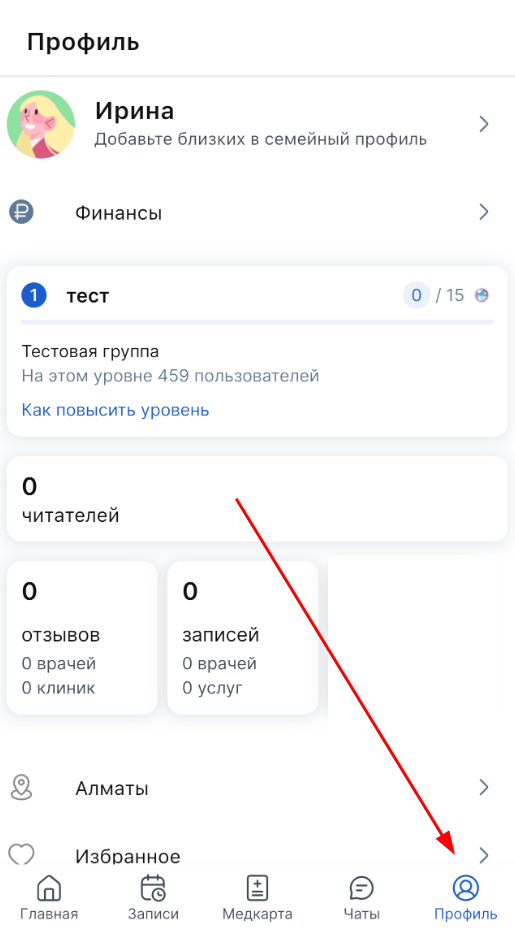
1. In the application, open the section «Профиль».
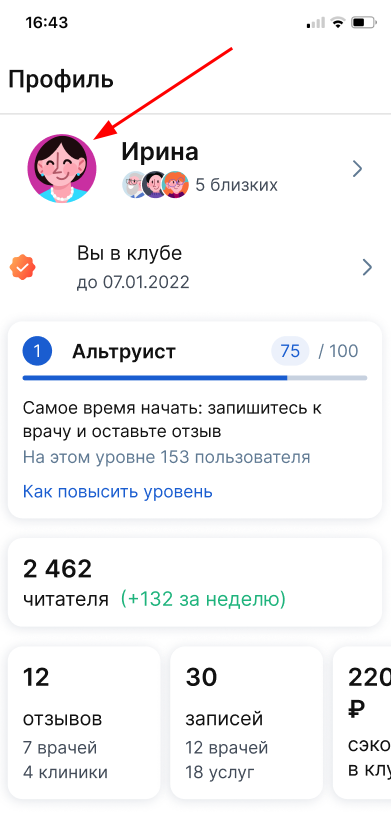
2. Click on your avatar.
3. Select the user you want to delete and click on the three dots in front of him.
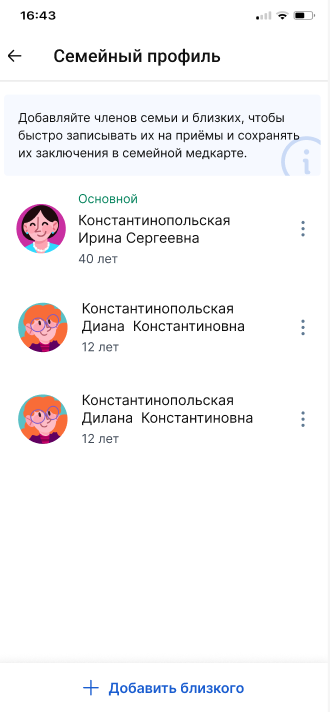
4. In the menu that opens, select «Удалить профиль».