


Prepayment
Deposit
Debt
Bonuses and discounts
To view the balance, go to the corresponding section in the Finance section — the clinics that you have visited will be displayed. The balance is displayed for each patient from the medical card account.
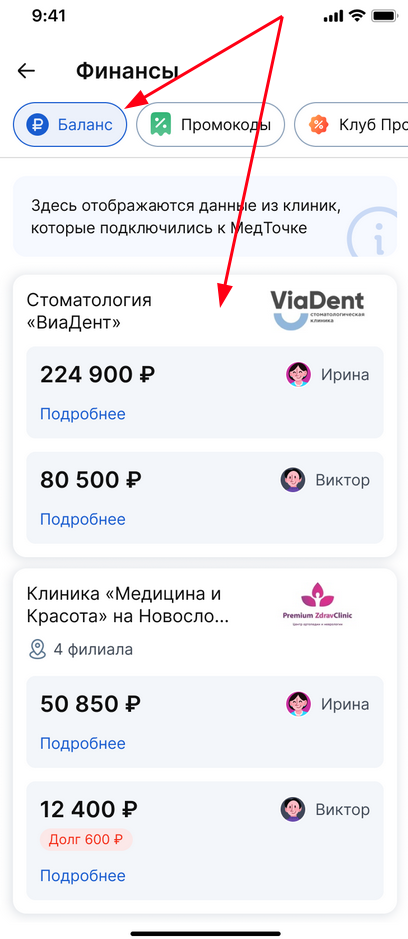
Important: the balance in the section «Финансы» is available for clinics that work with a medical card.
When you click on the desired clinic for a specific patient, detailed information will open. Prepayment for treatment plans, deposit, debt, bonuses and discounts are available for viewing.
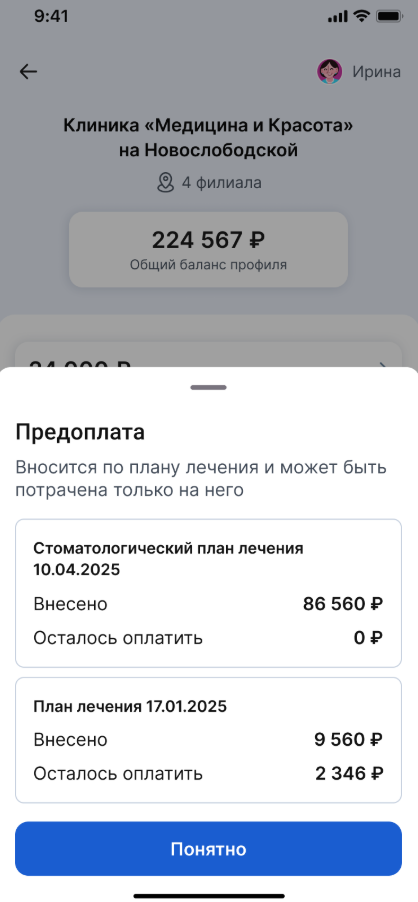
Prepayment for treatment plans 
The prepayment is made according to the treatment plan and can only be spent on it.
Deposit
A deposit for your expenses at the clinic.
Debt
You will see a debt if the clinic has unpaid services.
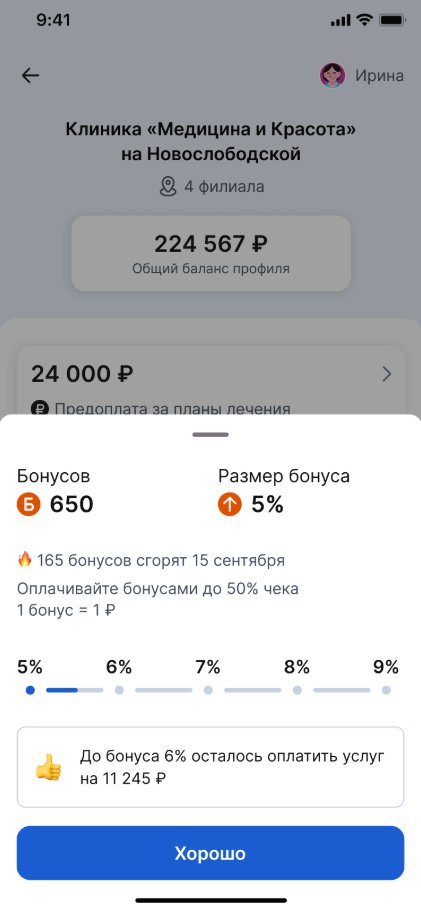
Bonuses and discounts
A personal discount at the clinic or a birthday discount if the clinic has set it up and activated it.
The clinic may disable the transfer of balance information. In this case, this clinic will be at the very bottom of the list.

When you go to this clinic, you will see that the clinic has disabled balance transfer.
